前言
最近用 EMCC 13c 纳管了一套 Oracle RAC,纳管数据库后前端显示报错信息:

本文分享一下解决方案,安装 EMCC 可参考:
- 《Oracle Linux 9 安装 EMCC 13.5:避坑细节与实战经验汇总!》
- 《EMCC 13.5 完整安装详细版》
- 《实战篇:Oracle EMCC 24ai 保姆级安装教程!》
- 《EMCC 13.5 添加目标主机和数据库》
问题分析
首先,检查被纳管主机是否配置 rac_global_cache_10i 收集任务:
1 | |
如果没有输出,则不会遇到上述问题,一般存在收集任务,才会报错 Metrics Global Cache Blocks Lost is at XXX。
解决方案
以下操作均需在 OMS 服务端执行:
1 | |
如果遇到报错:
1 | |
一般就是数据库实例名写错了,这个数据库实例要么没有配置 rac_global_cache_10i,要么是单实例数据库,需要通过在被纳管主机执行 emctl status agent scheduler 进行检查,确认正确的数据库实例,再进行修改。
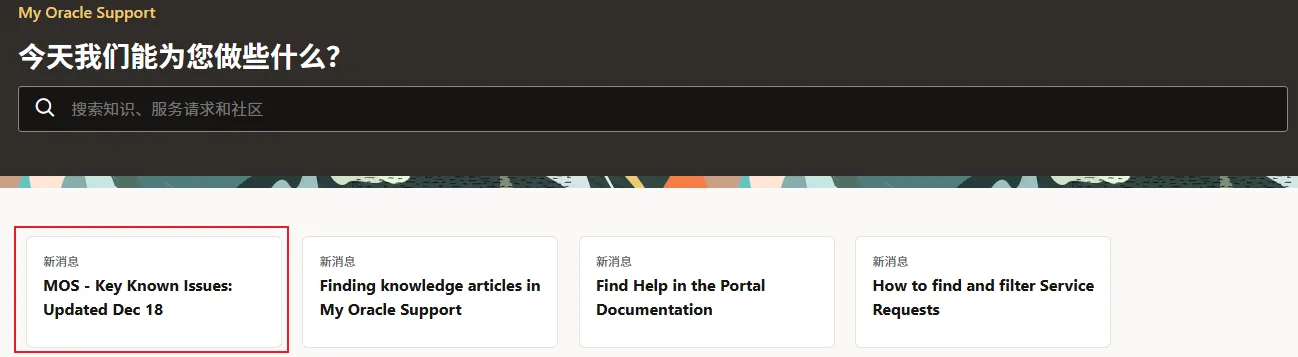
参考 MOS:
本博客所有文章除特别声明外,均采用 CC BY-NC-SA 4.0 许可协议。转载请注明来源 Lucifer三思而后行!
相关推荐
2021-08-21
《零基础安装 Oracle 数据库》单机系列 ④ 一键快速安装 Oracle 19C 数据库
目录 前言 安装 下载项目 安装软件 下载 Oracle 安装包 安装 编辑 vagrant.yml 文件 开始安装 使用方式 连接主机 关闭主机 开启主机 销毁主机 写在最后 前言 很多朋友吐槽我的脚本不会用,看不懂,哎,一言难尽!于是,我将 [vagrant + virtualbox + she
2025-02-11
RHEL 7 安装 Oracle 12CR1 RAC 数据库
大家好,这里是公众号 DBA学习之路,分享一些学习国产数据库路上的知识和经验。 目录 前言 整体规划 系统规划 网络规划 存储规划 内存规划 环境信息 系统安装 网络配置(rac01&rac02) 配置本地软件源(rac01&rac02) hosts文件配置(rac01&rac02) 防火墙配置(r

2024-06-18
RedHat 8.9 一键安装 Oracle 12CR2 单机
前言 Oracle 一键安装脚本,演示 RedHat 8.9 一键安装 Oracle 12CR2 单机过程(全程无需人工干预)。 ⭐️ 脚本下载地址:Shell脚本安装Oracle数据库 安装准备 1、安装好操作系统,建议安装图形化 2、配置好网络 3、挂载本地 ISO 镜像源 4、上传软件安装包(
2021-05-09
1.5小时,一键部署Oracle 11GR2 RAC 集群
无人值守安装Oracle 11GR2 RAC集群,只需要1.5小时?没错,通过脚本静默安装,只需要1.5小时,包括安装补丁,建库。 脚本下载链接:SHELL脚本进行oracle数据库一键安装,实现真正的无人值守安装 GitHub:https://github.com/pc-study/Install
2024-10-15
腾讯 TencentOS 2.4 一键安装 Oracle 19C 单机
大家好,这里是 Lucifer三思而后行,专注于提升数据库运维效率。 前言 Oracle 一键安装脚本,演示腾讯 TencentOS 2.4 一键安装 Oracle 19C 单机过程(全程无需人工干预)。 脚本下载:Oracle一键安装脚本 作者微信:Lucifer-0622 安装准备 系统组安装好
2022-07-17
单机:Oracle 19C 数据库一键安装
前言 本文将演示如何使用脚本一键安装 Oracle 19C 单机数据库的全过程。 安装前准备 在生产环境中,Linux 操作系统和网络一般不是由 DBA 来配置,为了更贴合生产使用,本脚本仅用于安装 Oracle 数据库,请提前安装好 Linux 操作系统。 主机版本 主机IP 主机内存 磁盘空间