Veeam 备份虚拟化报错解决一则
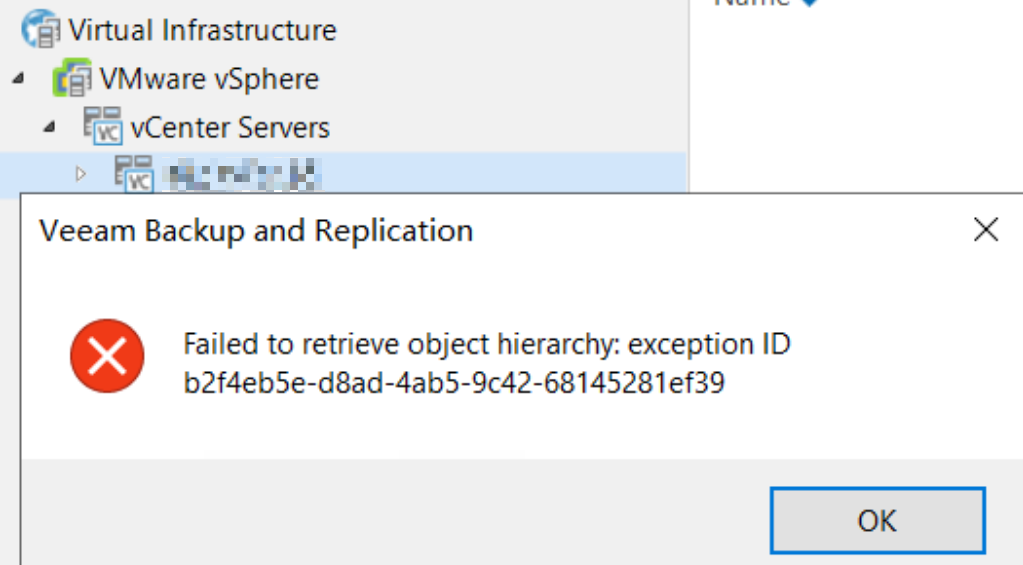
今天收到 Veeam 备份邮件告警,提示虚拟化主机备份失败,报错如下 Host xxx is not available. Error: Failed to retrieve object hierarchy: exception ID xxxxx:


打开 VBR 主机发现这台 VC 无法查看,rescan 报错:
解决方案:
VBR 主机使用 PowerShell(管理员) 重启 VeeamBrokerSvc 服务:
1 | Get-Service VeeamBrokerSvc | Stop-Service -Force |
重新走一遍纳管 VC 的向导,问题解决:
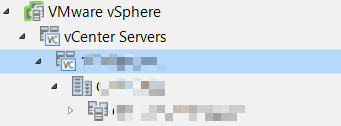
再次执行备份,备份恢复正常。
本博客所有文章除特别声明外,均采用 CC BY-NC-SA 4.0 许可协议。转载请注明来源 三笠の博客!
