Veeam 12 升级失败,居然是 PG 数据库的问题!
前言
最近因为安全漏洞问题,在做 Veeam 的版本升级,今天升级一个 Veeam 失败了:
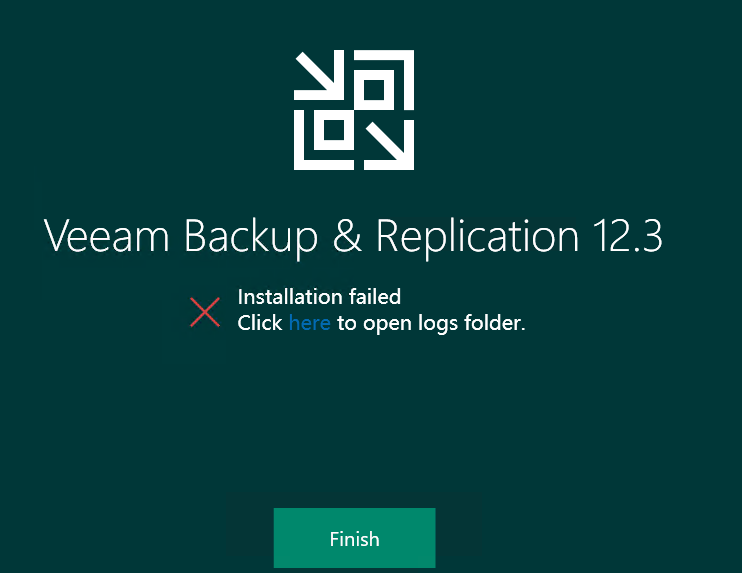
本文记录一下分析过程以及解决方案。
问题分析
根据提示查看日志(SetupBackupCheckerBR_26_10_2025_20_50_44.log)报错内容:
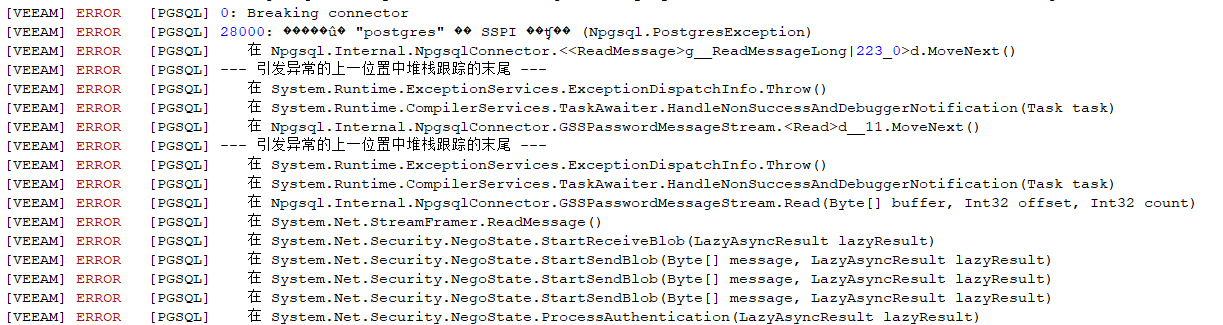
这里因为乱码问题看不到报错信息,其实报错内容应该是:
1 | ERROR [PGSQL] 28000: SSPI authentication failed for user "postgres" (Npgsql.PostgresException) |
从错误信息可以发现,错误代码 28000 表示认证失败,而 SSPI(Security Support Provider Interface)是 Windows 用于认证的一种机制,这个错误是 PostgreSQL 数据库的身份验证失败错误,报错的一些可能原因:
- Windows 用户不匹配
- pg_hba.conf 配置问题
- 服务账户权限问题
我怀疑的是 Windows 用户不匹配导致的,因为我使用的自己的域账号登陆,而安装这套 VBR 的是另一个账号,因为没有授权,所以无法与 PostgreSQL 实例。
看了一下官方的解释:
When PostgreSQL is deployed by the Veeam Backup & Replication or Veeam ONE installer, that PostgreSQL database engine is configured to use SSPI Authentication, allowing for authentication using Windows accounts. During the installer’s configuration of the PostgreSQL instance, only two Windows accounts are automatically added for access:
- The Windows account that was used during the initial install.
- The NT AUTHORITY\SYSTEM account (The account used by the Veeam services.)
If the SSPI authentication error occurred during an upgrade of the product, and PostgreSQL is already installed, the user account used to run the upgrade is likely not configured within the PostgreSQL settings for access.
果然如此,因为我的账号没有被授权,自然无法进行升级操作,解决方案也比较简单:使用安装部署 VBR 的账户进行升级操作即可。
查看 C:\Program Files\PostgreSQL\15\data\pg_ident.conf 配置文件:
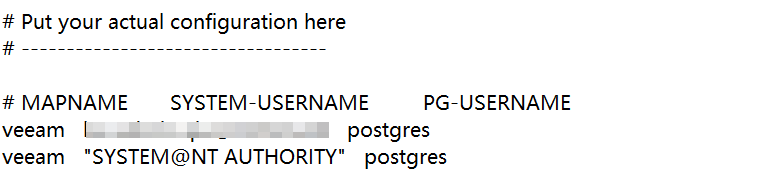
这个配置文件会记录安装 VBR 时使用的域账号,这个账号我没有密码,而且这个同事也已经离职,自然也就无法使用了,这种情况下就只能添加一个新的域账号,可参考以下步骤。
解决方案
查看 veeam 的 postgresql 日志(C:\Program Files\PostgreSQL\15\data\log),翻到最后报错的位置:

在 C:\Program Files\PostgreSQL\15\data\pg_ident.conf 配置文件中添加以上域账号:
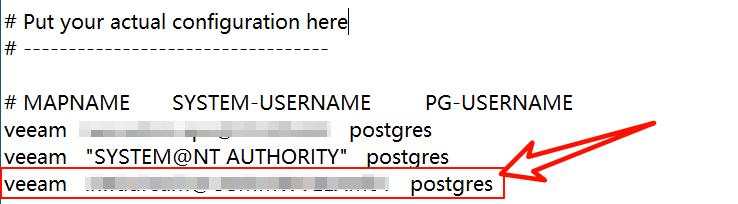
保存文件中,重新执行升级操作:
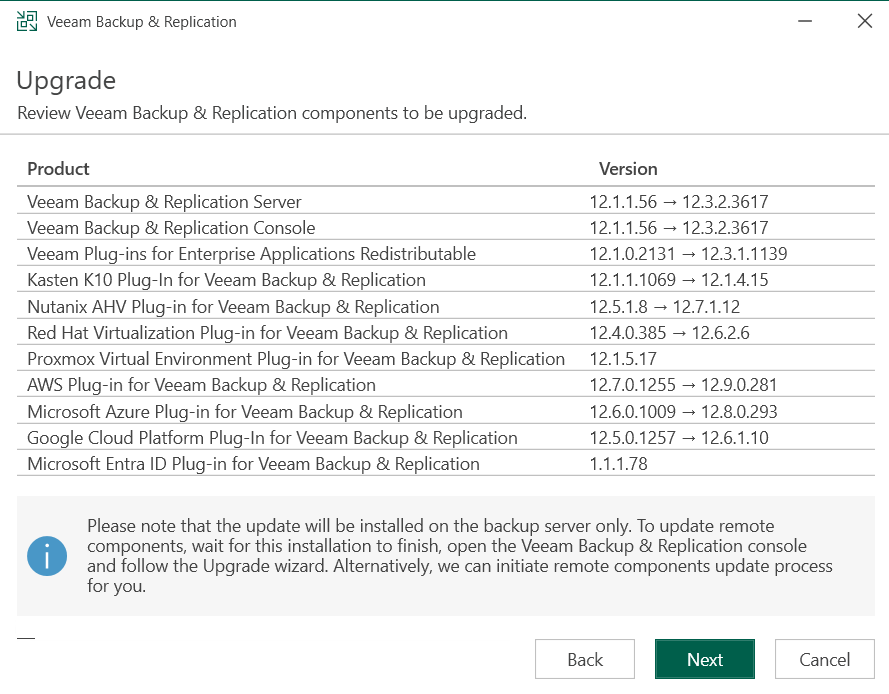
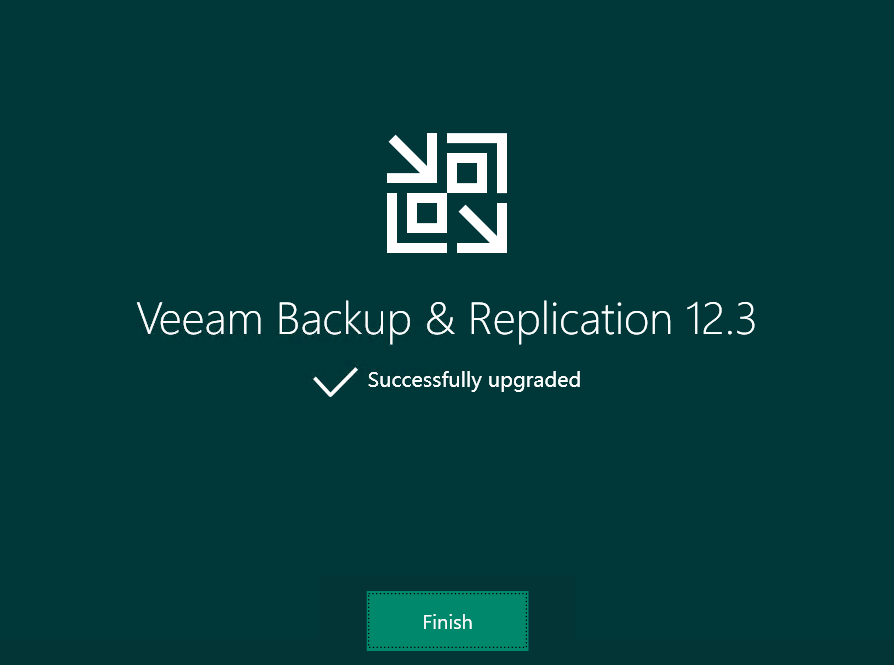
问题解决,升级完成。
补充
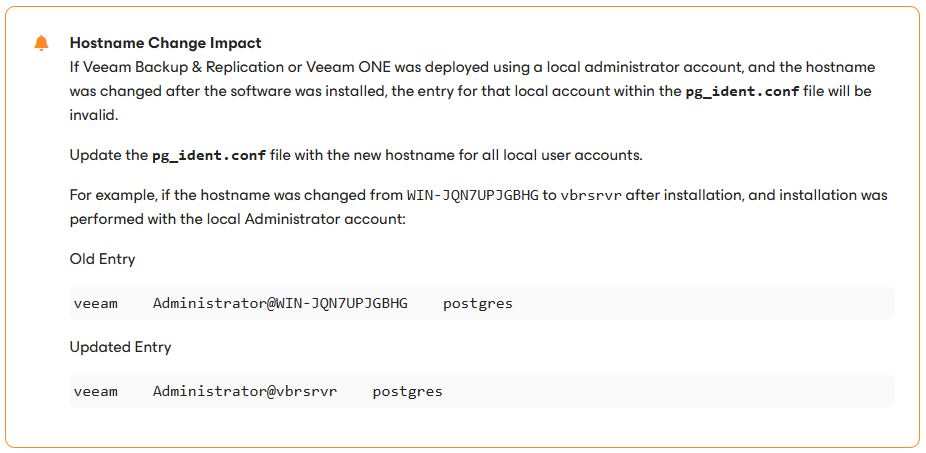
如果 VBR 主机的主机名发生过变更,也可能会遇到这个问题,需要更新 pg_ident.conf 文件。
写在最后
看了一下,原来从 Veeam 12 开始,底层数据存储就可以使用 PostGreSQL 数据库。
