openGauss 每日一练第 3 天打卡,我来了!又可以学习,真开心~
学习
今天第 3 课,学习了 openGauss创建数据库、修改数据库属性和删除数据库!
课后作业打卡
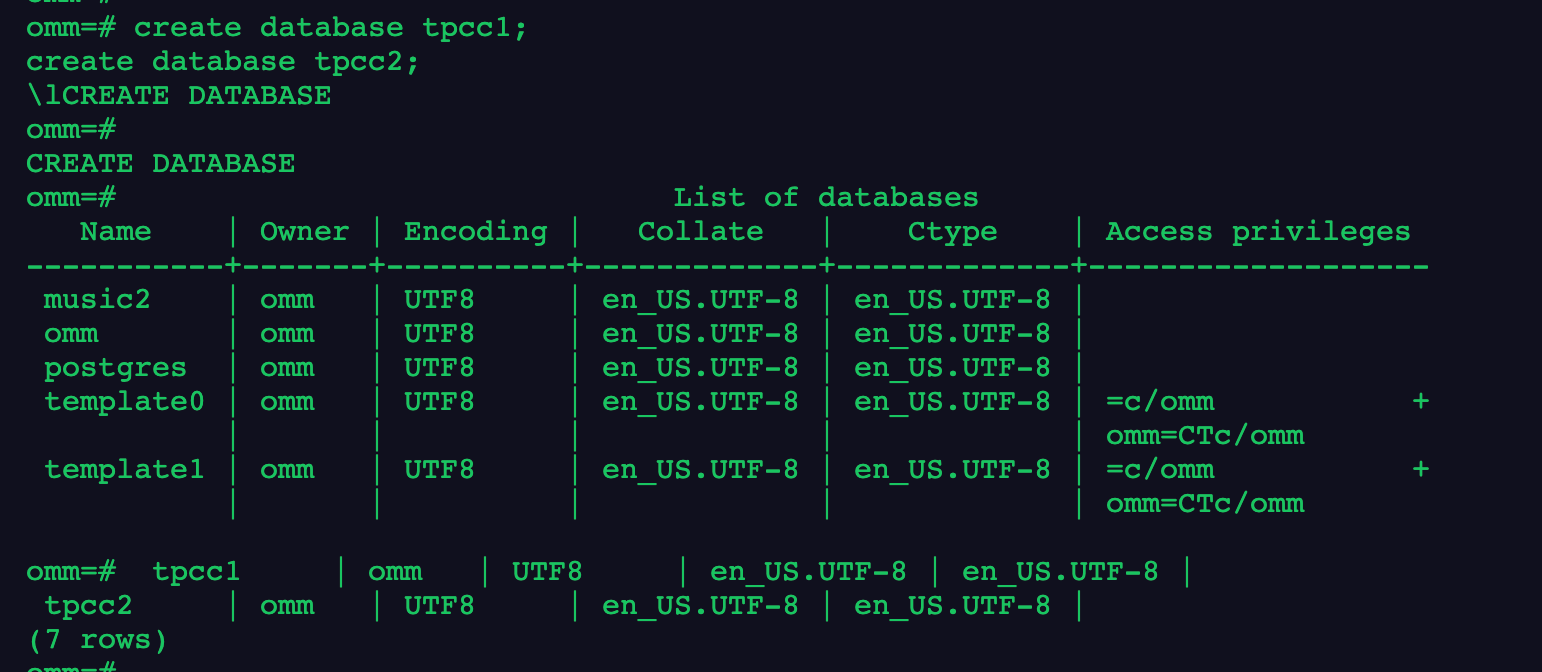
1.分别创建名为tpcc1和tpcc2的数据库
1
2
3
| create database tpcc1;
create database tpcc2;
\l
|
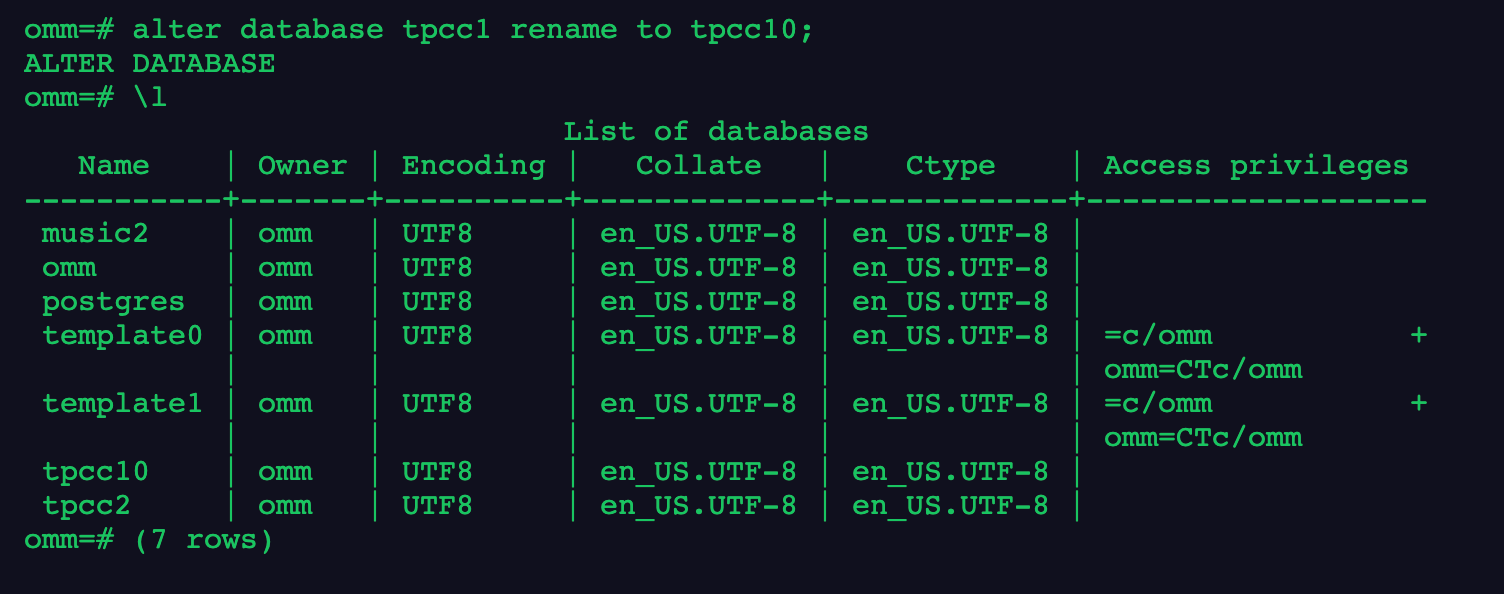
2.将tpcc1数据库重命名为tpcc10
1
2
| alter database tpcc1 rename to tpcc10;
\l
|
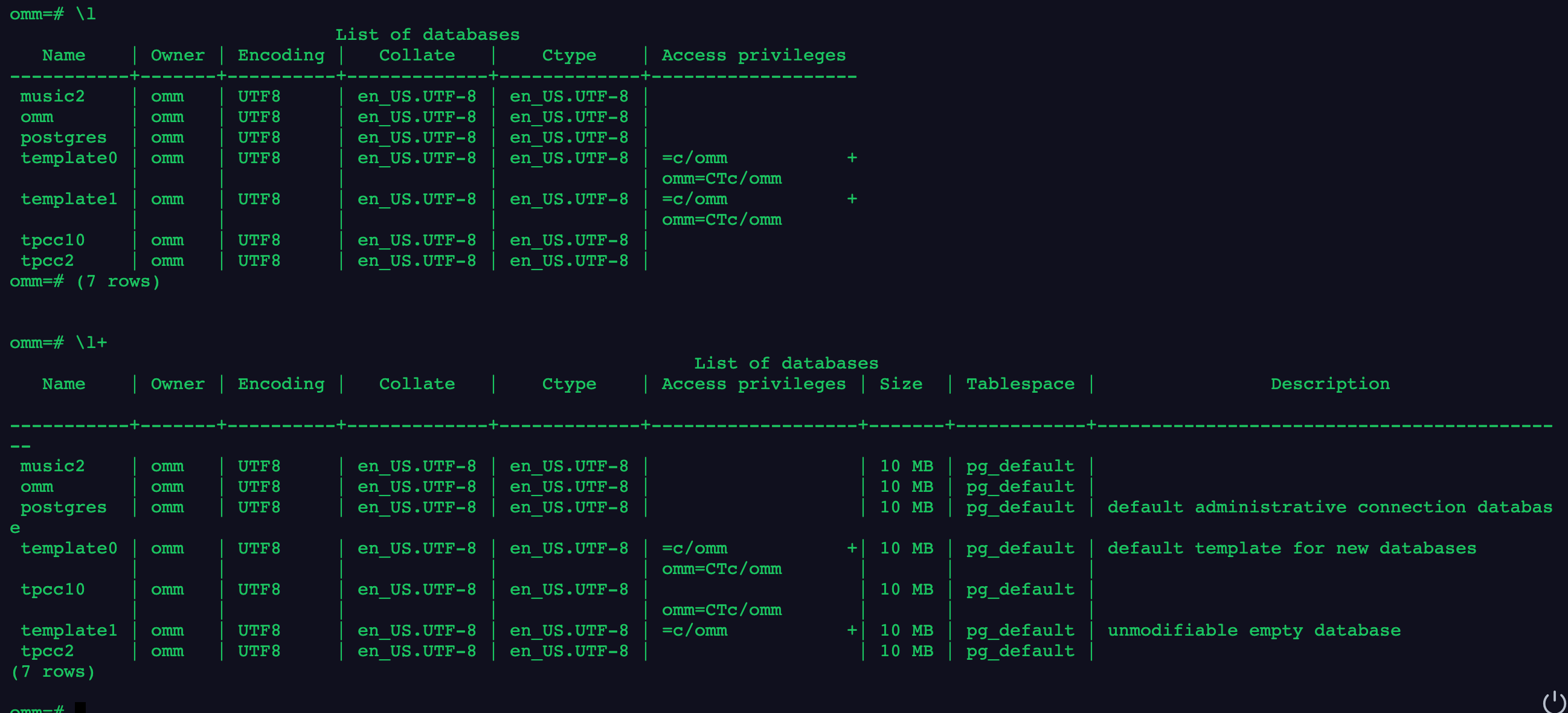
3.分别使用\l和\l+两个元命令查看数据库信息
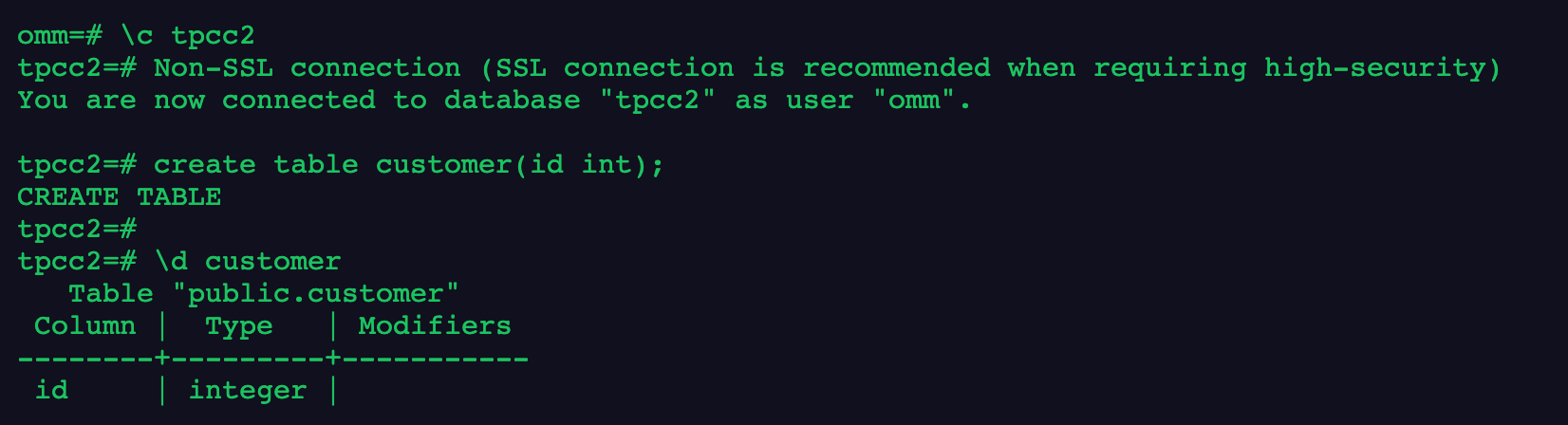
4.在数据库tpcc2中创建customer表,字段自定义
1
2
| \c tpcc2
create table customer(id int);
|
5.删除新创建的数据库
1
2
| drop database tpcc10;
drop database tpcc2;
|
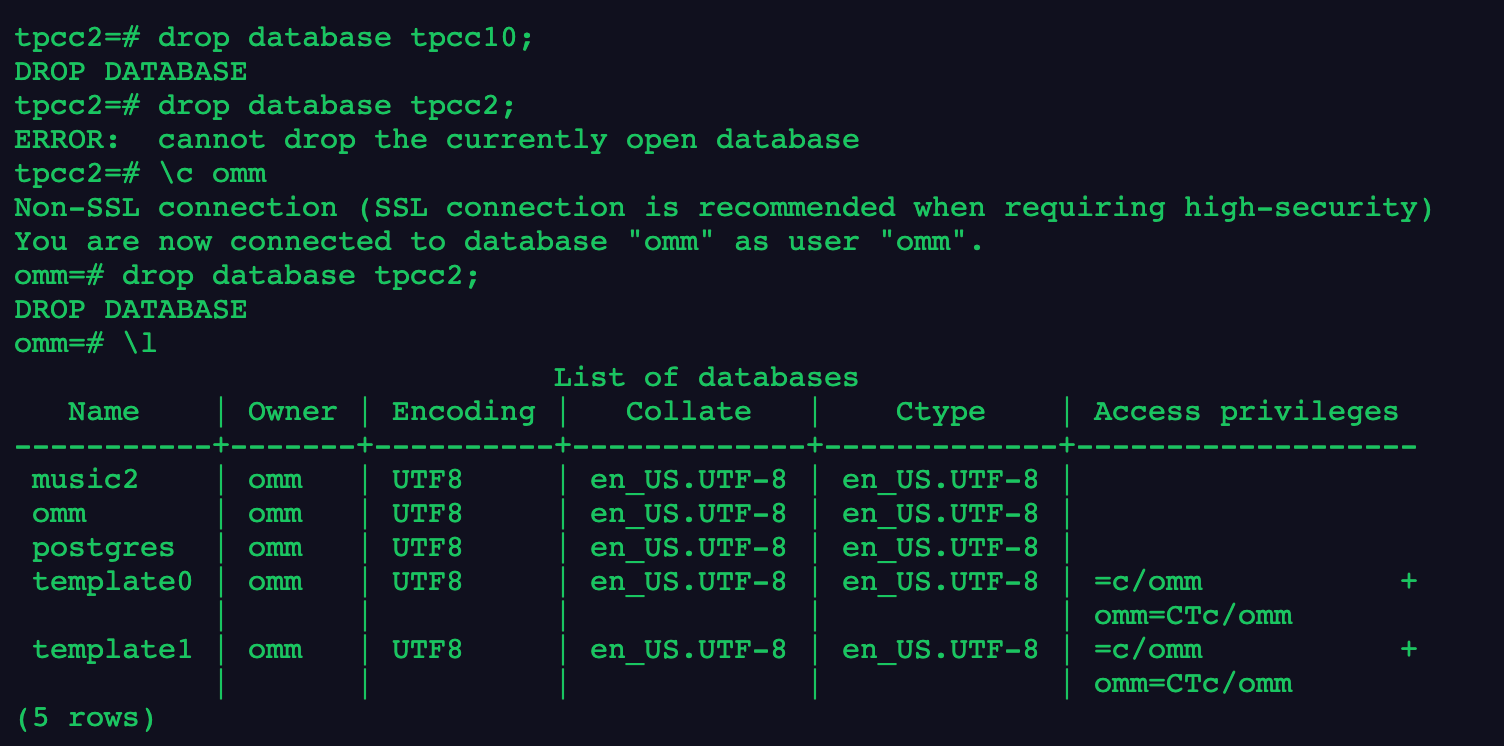
6.退出gsql程序

总结,今天学习了如何管理数据库,包括创建删除和使用!
更多拓展
1
2
3
4
5
6
7
8
9
10
11
12
13
14
15
16
17
18
19
20
21
22
23
24
25
26
27
28
29
30
31
32
33
34
35
36
37
38
39
40
41
42
43
44
45
46
47
48
49
|
openGauss=# CREATE USER jim PASSWORD 'xxxxxxxxx';
openGauss=# CREATE USER tom PASSWORD 'xxxxxxxxx';
openGauss=# CREATE DATABASE music ENCODING 'GBK' template = template0;
openGauss=# CREATE DATABASE music2 OWNER jim;
openGauss=# CREATE DATABASE music3 OWNER jim TEMPLATE template0;
openGauss=# ALTER DATABASE music CONNECTION LIMIT= 10;
openGauss=# ALTER DATABASE music RENAME TO music4;
openGauss=# ALTER DATABASE music2 OWNER TO tom;
openGauss=# ALTER DATABASE music3 SET TABLESPACE PG_DEFAULT;
openGauss=# ALTER DATABASE music3 SET enable_indexscan TO off;
openGauss=# ALTER DATABASE music3 RESET enable_indexscan;
openGauss=# DROP DATABASE music2;
openGauss=# DROP DATABASE music3;
openGauss=# DROP DATABASE music4;
openGauss=# DROP USER jim;
openGauss=# DROP USER tom;
openGauss=# CREATE DATABASE td_compatible_db DBCOMPATIBILITY 'C';
openGauss=# CREATE DATABASE ora_compatible_db DBCOMPATIBILITY 'A';
openGauss=# DROP DATABASE td_compatible_db;
openGauss=# DROP DATABASE ora_compatible_db;
|
写在最后
今天的作业打卡结束!🎉
