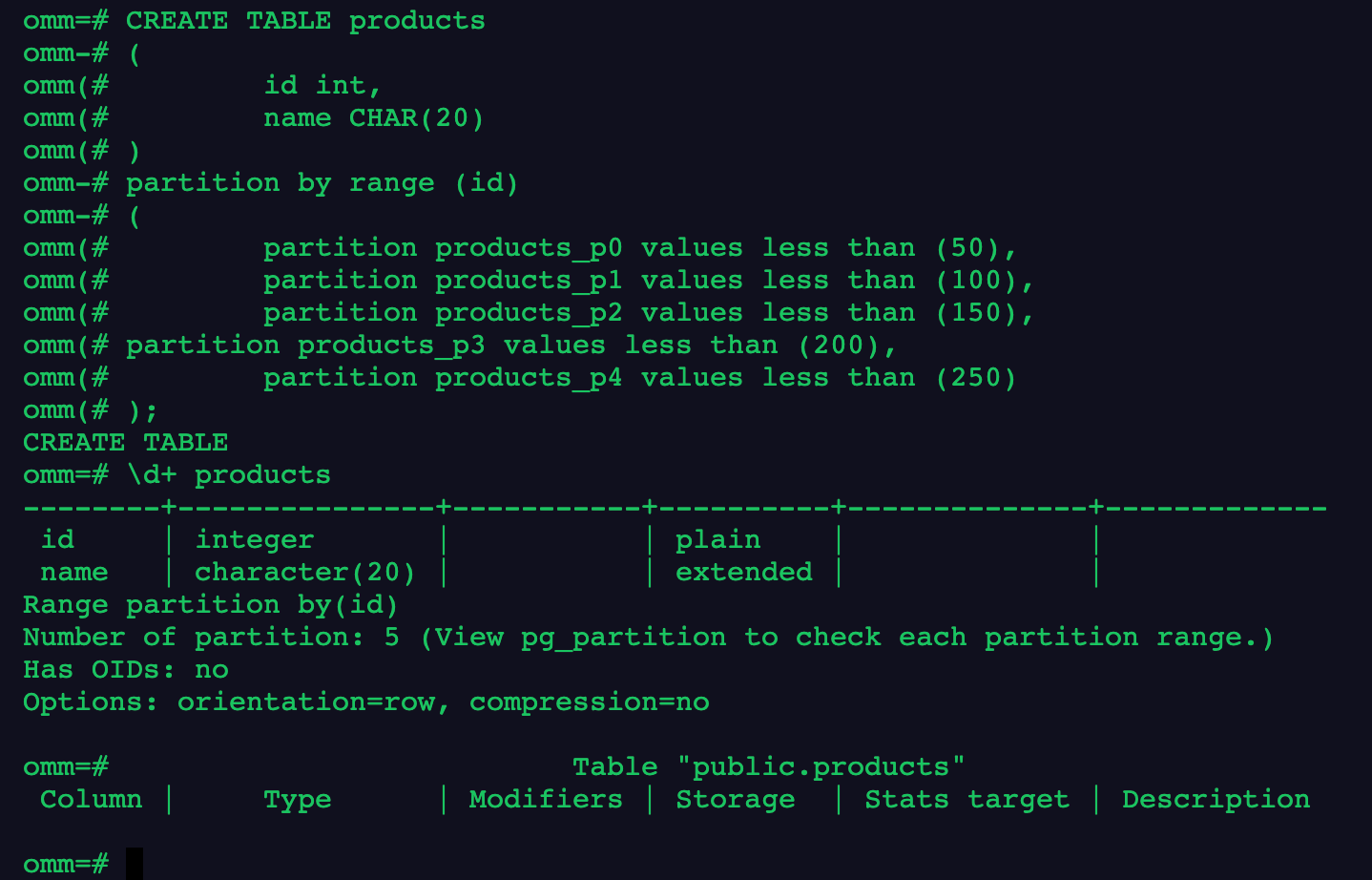
--创建分区表 products CREATE TABLE products ( id int, name CHAR(20) ) partitionbyrange (id) ( partition products_p0 values less than (50), partition products_p1 values less than (100), partition products_p2 values less than (150), partition products_p3 values less than (200), partition products_p4 values less than (250) );
1
2
3
4
5
6
7
8
9
10
11
12
13
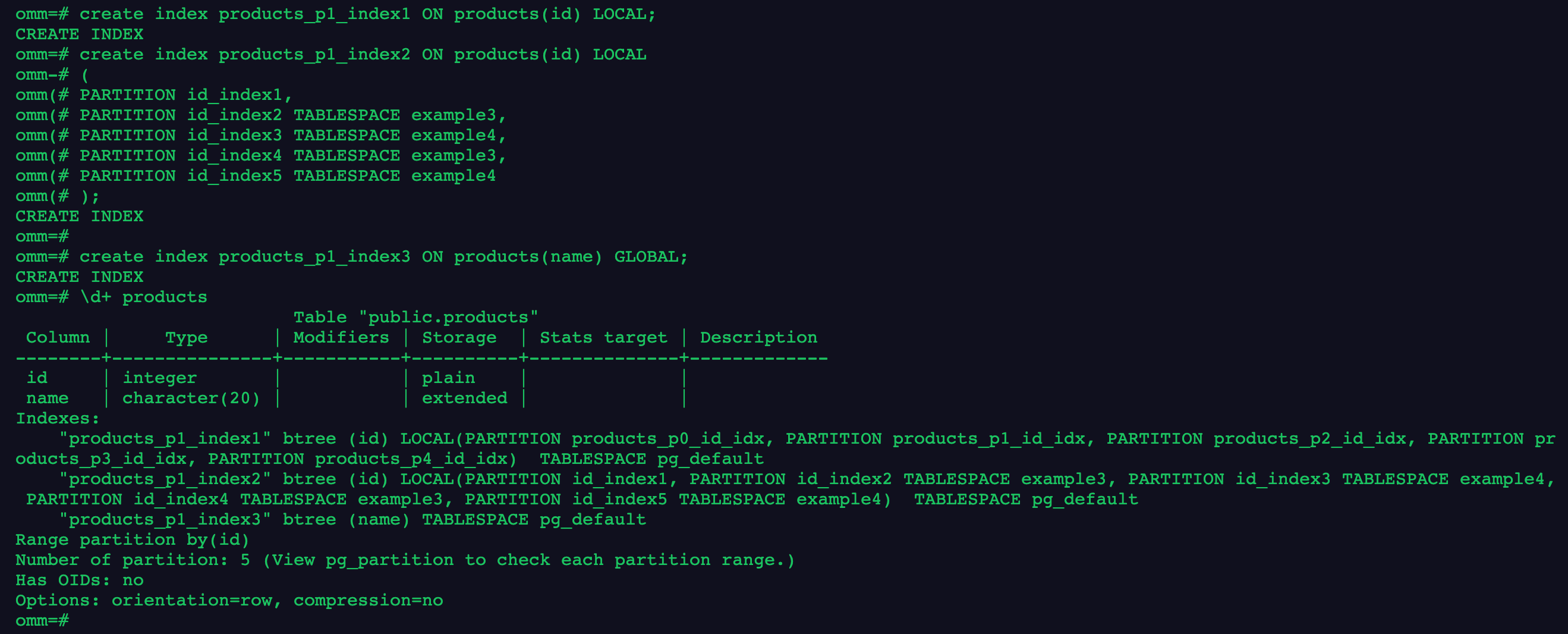
-- 创建分区表索引1
create index products_p1_index1 ON products(id) LOCAL;
-- 创建分区表索引2
create index products_p1_index2 ON products(id) LOCAL
(
PARTITION id_index1,
PARTITION id_index2 TABLESPACE example3,
PARTITION id_index3 TABLESPACE example4,
PARTITION id_index4 TABLESPACE example3,
PARTITION id_index5 TABLESPACE example4
);
-- 创建GLOBAL分区索引3
create index products_p1_index3 ON products(name) GLOBAL;
2.在分区表索引1上,修改分区表索引的表空间,重命名分区表索引
1
2
alter index products_p1_index2 move partition id_index1 tablespace example3;
alter index products_p1_index2 rename partition id_index1 to id_index0;
3.在分区表索引1上,重建单个索引分区和分区上的所有索引
1
2
3
reindex index products_p1_index1 partition products_p1_id_idx;
reindex index products_p1_index1;
reindex table products partition products_p0;
4.使用\d+、系统视图pg_indexes和pg_partition查看索引信息
1
2
3
\d+ products select*from pg_indexes where tablename ='products'; select*from pg_partition;
5.删除索引、表和表空间
1
2
3
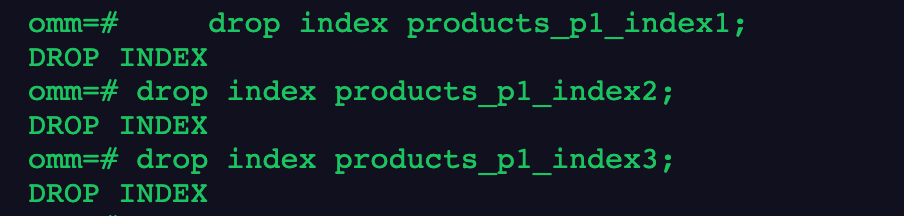
drop index products_p1_index1;
drop index products_p1_index2;
drop index products_p1_index3;