openGauss每日一练第1天 | 表的基础使用
openGauss 每日一练第一天打卡,我来了!又可以学习,真开心~
学习
今天第一课,学习了 openGauss 表的基础操作,openGauss数据库创建表、插入记录、查询记录和删除表基本使用!
课后作业打卡
1.创建一个表products
| 字段名 | 数据类型 | 含义 |
|---|---|---|
| product_id | INTEGER | 产品编号 |
| product_name | Char(10) | 产品名 |
| category | Char(10) | 种类 |
创建语句如下:
1 | CREATE TABLE products |

2.向表中插入数据,采用一次插入一条和多条记录的方式
| product_id | product_name | category |
|---|---|---|
| 1502 | olympus camera | electrncs |
| 1601 | lamaze | toys |
| 1700 | wait interface | Books |
| 1666 | harry potter | toys |
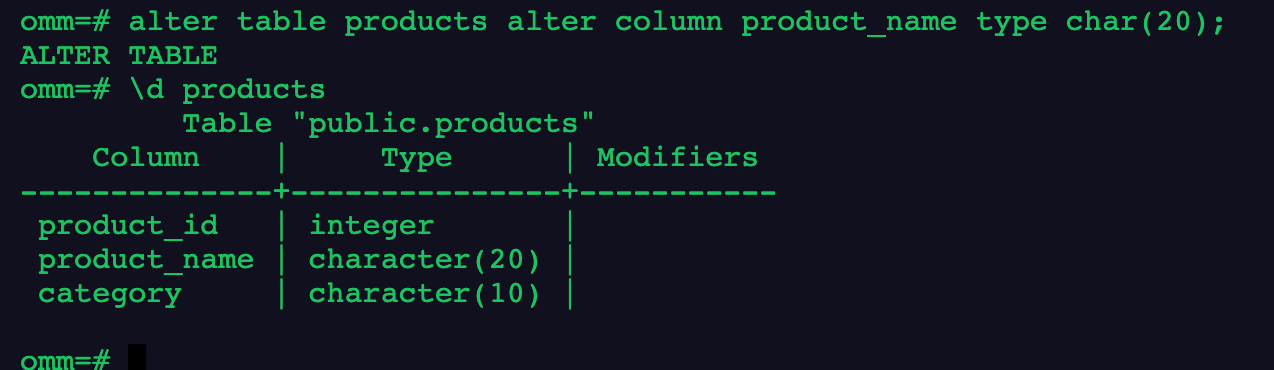
📢 注意:这里有个小问题,就是 product_name 的列长不够用,因此需要改大。
1 | alter table products alter column product_name type char(20); |
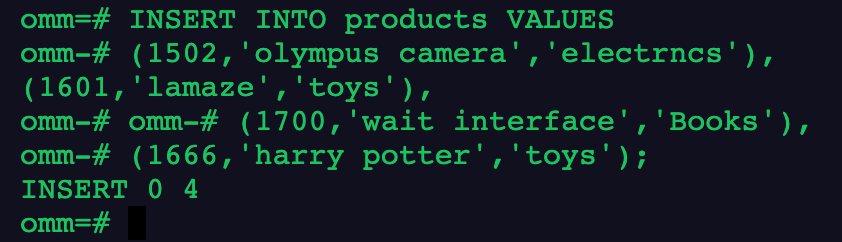
插入数据语句:
1 | -- 一次插入一条 |

1 | -- 一次插入多条 |
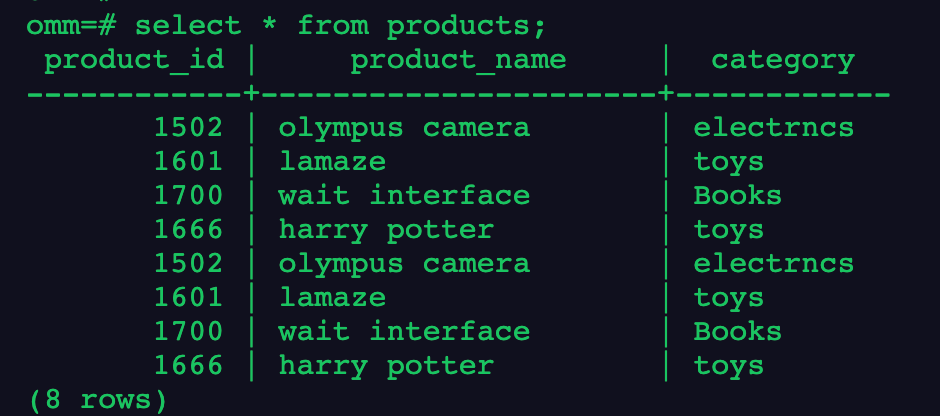
3.查询表中所有记录及记录数
由于我们上面插入了两次记录,因此会有 8 条记录,重复的有4 条。
1 | select * from products; |
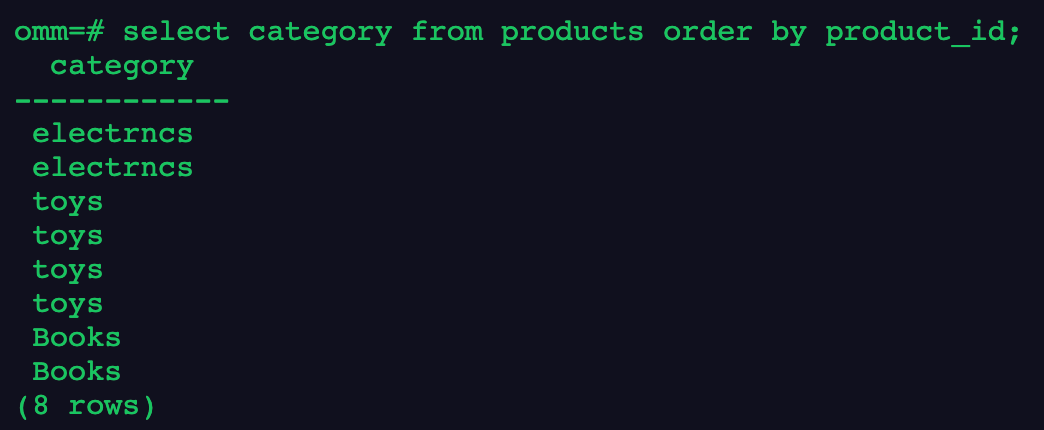
4.查询表中所有category记录,并将查询结果按升序排序
这里按照 product_id 升序排序,如果是降序,则为 desc。
1 | select category from products order by product_id; |
5.查询表中category为toys的记录
1 | select * from products where category= 'toys'; |
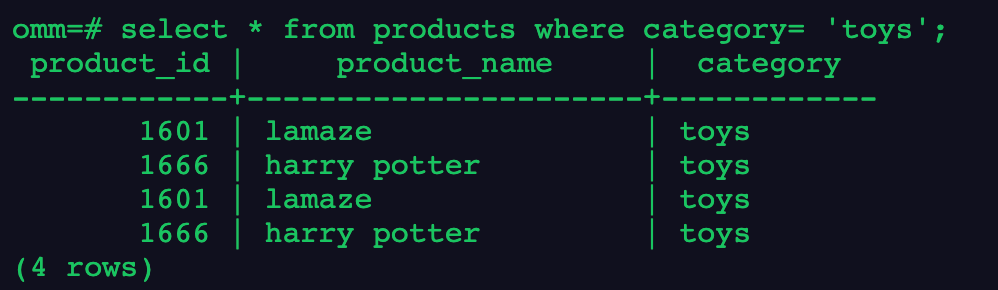
如果需要去重的话,可以使用 distinct 来实现!
6.删除表products
最后,删除表 products,使用 drop。
1 | drop table products; |

写在最后
今天的作业打卡结束!🎉
本博客所有文章除特别声明外,均采用 CC BY-NC-SA 4.0 许可协议。转载请注明来源 三笠の博客!
