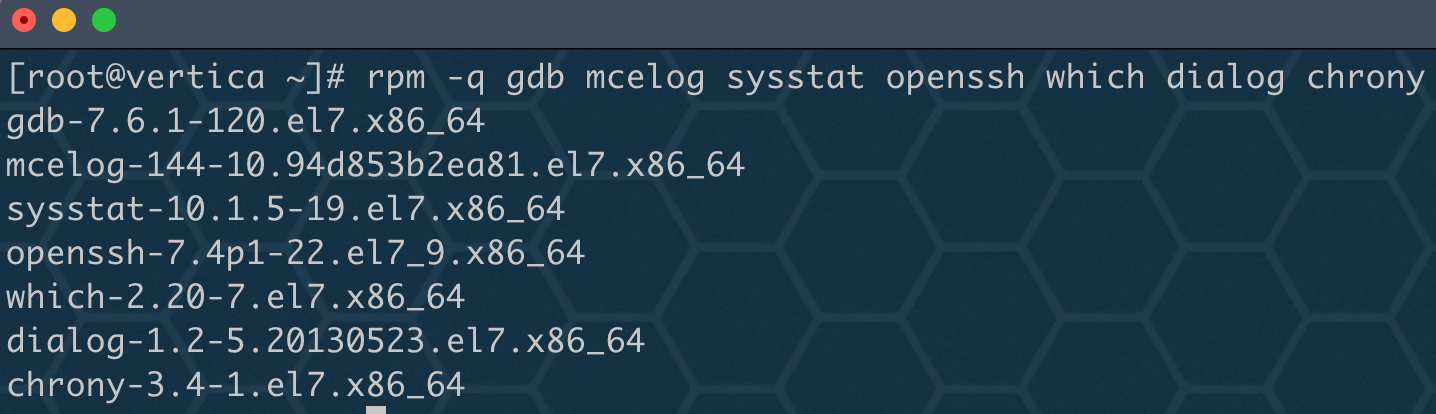
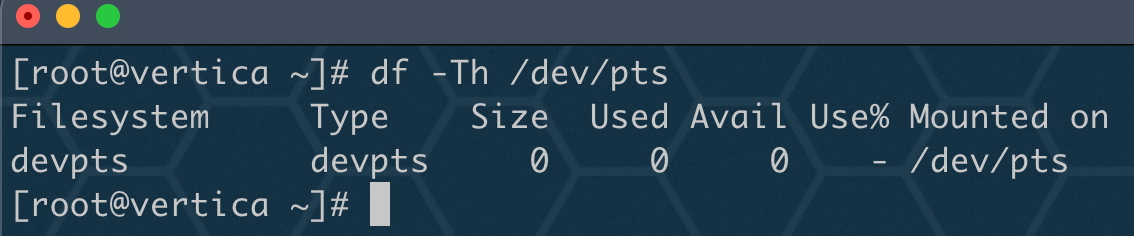
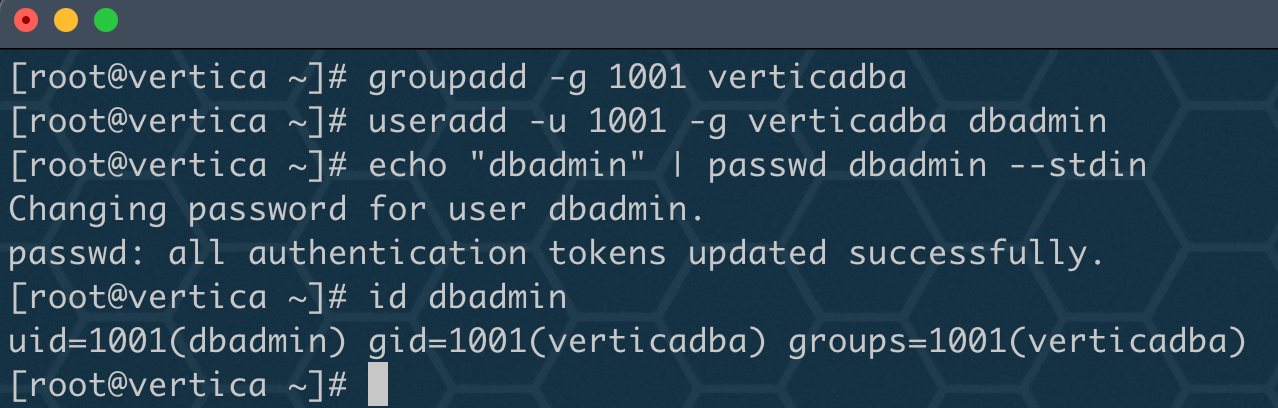
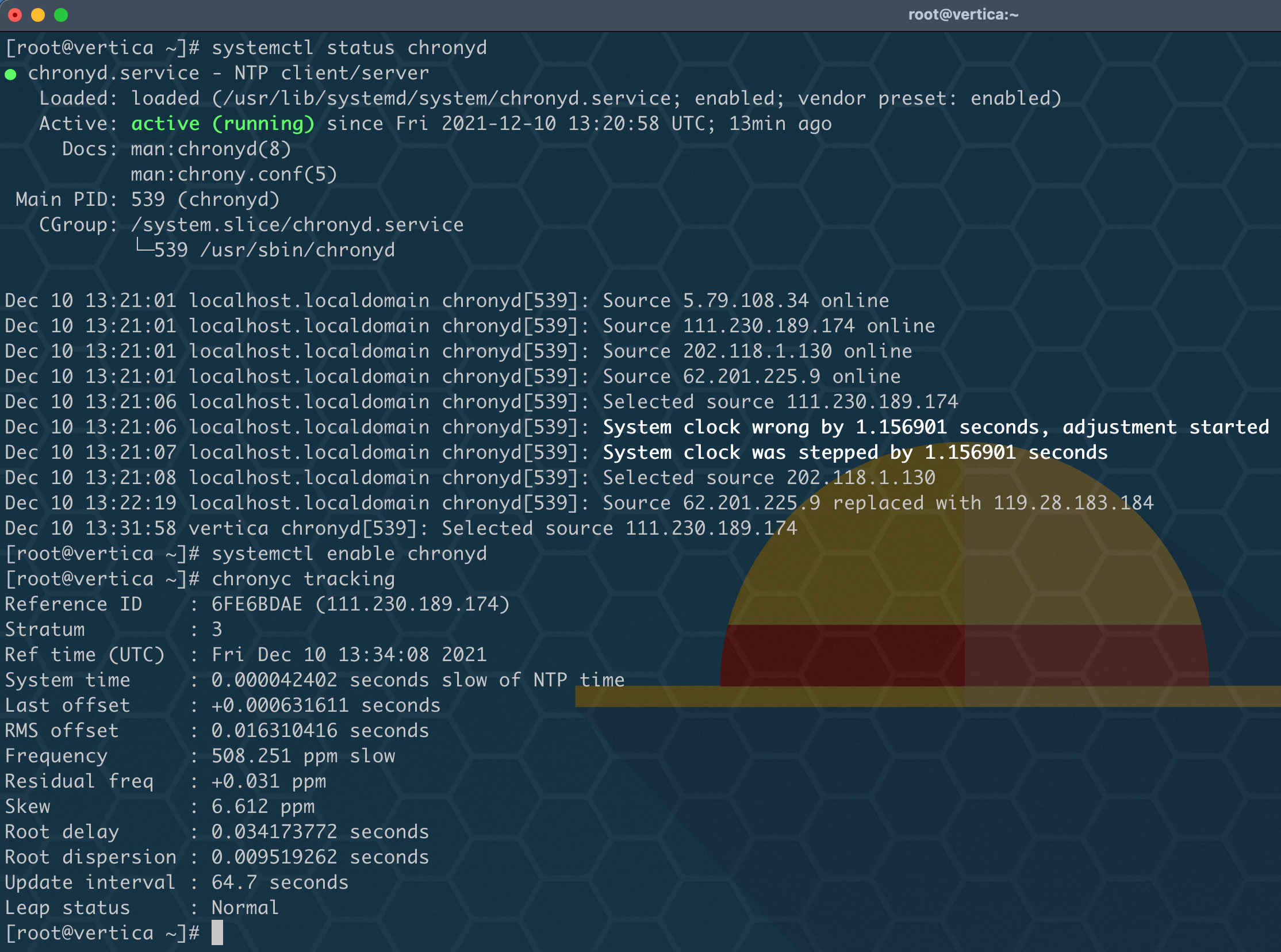
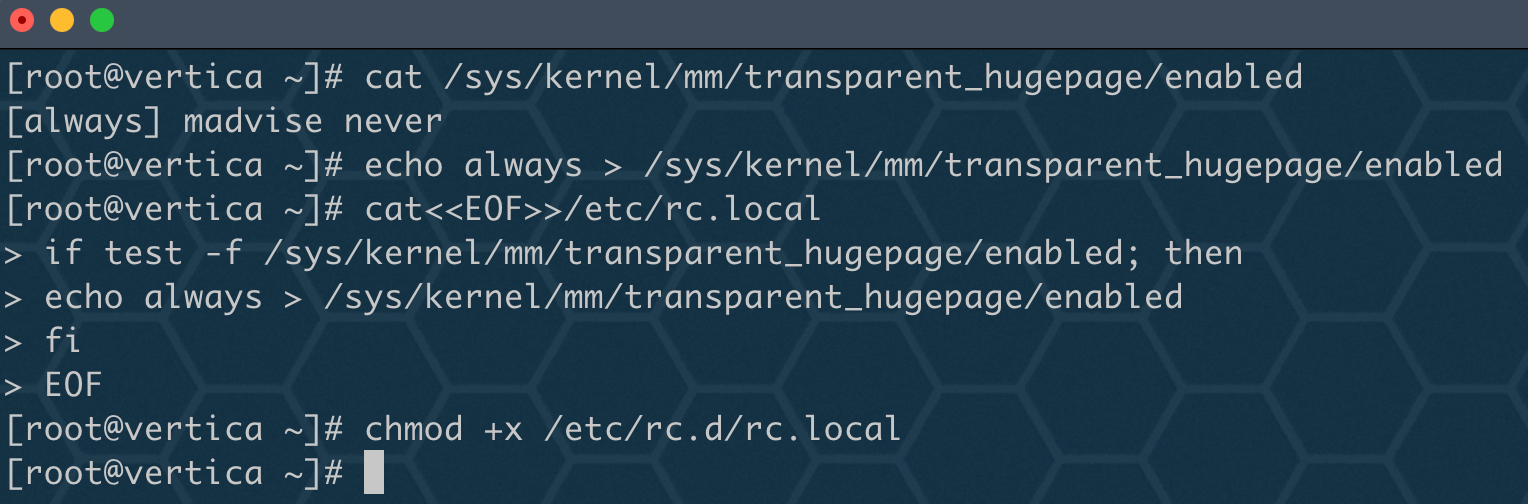
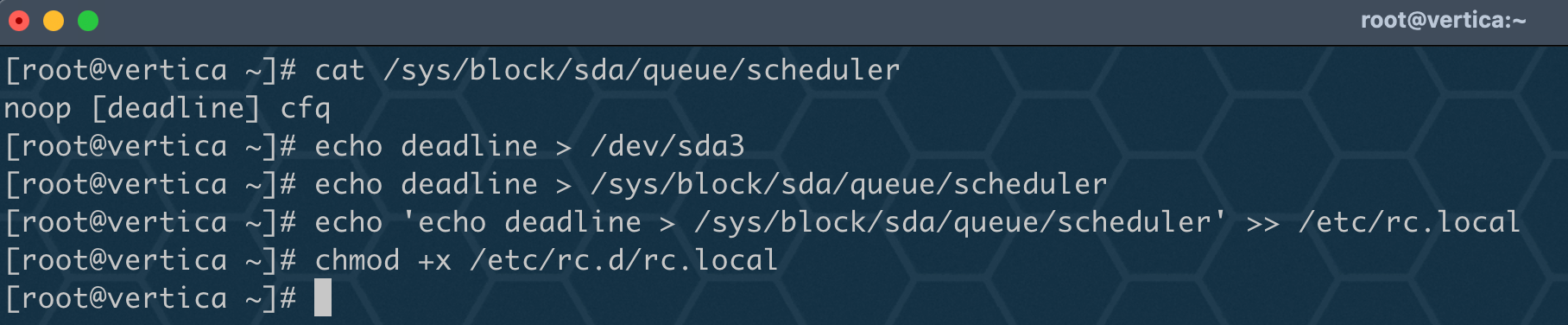
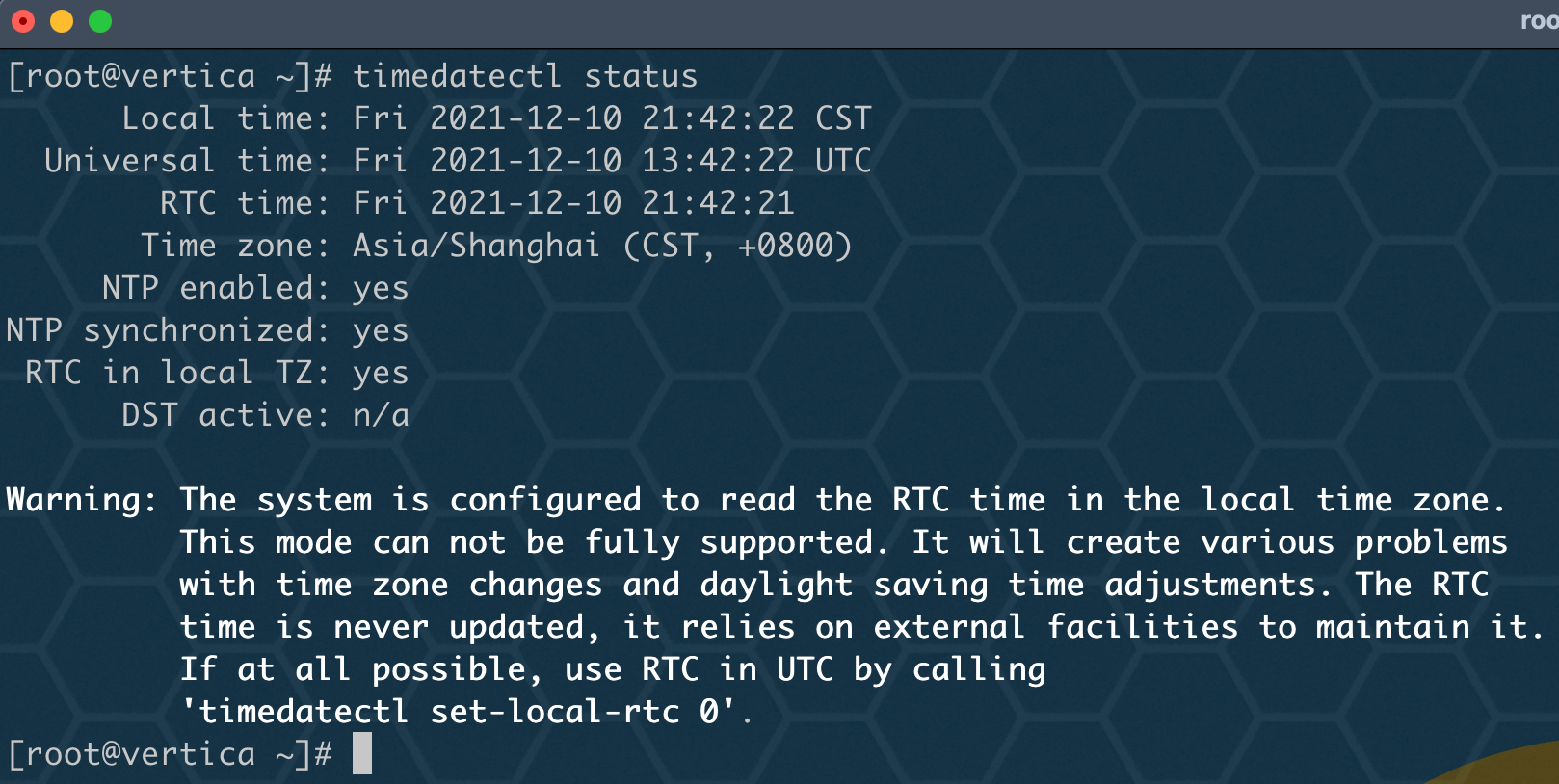
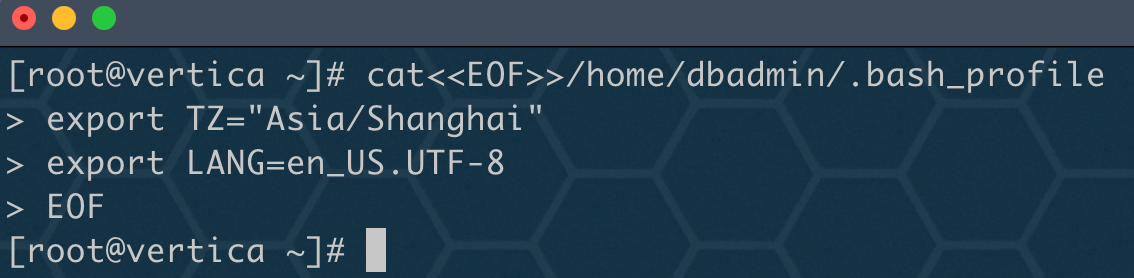
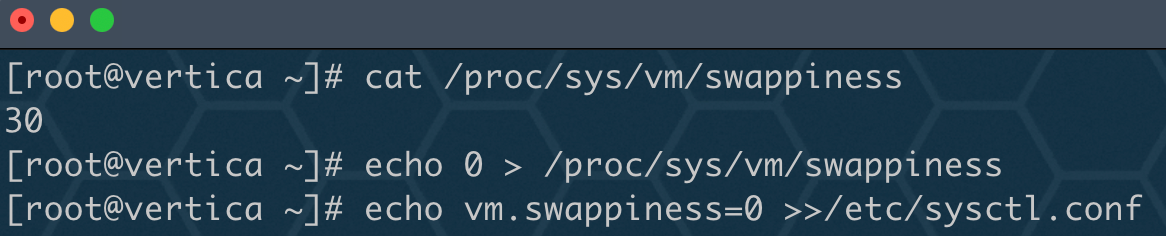
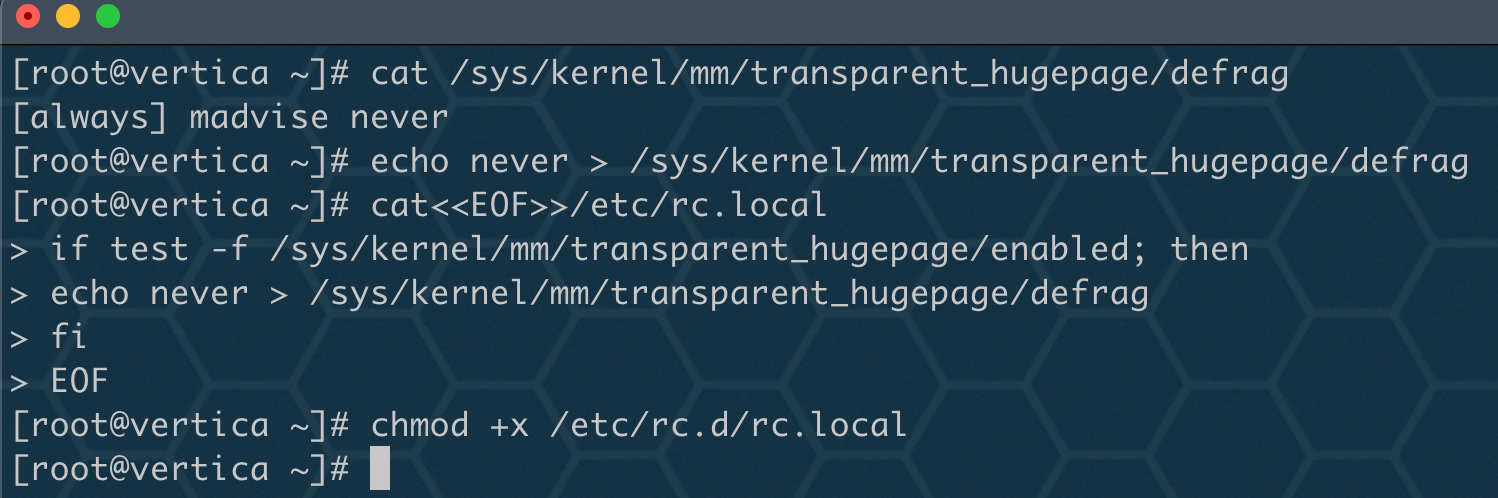
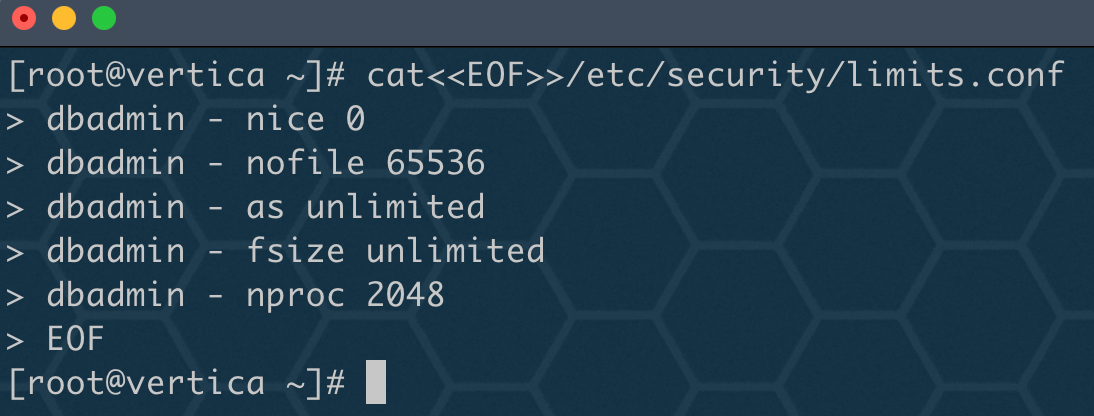
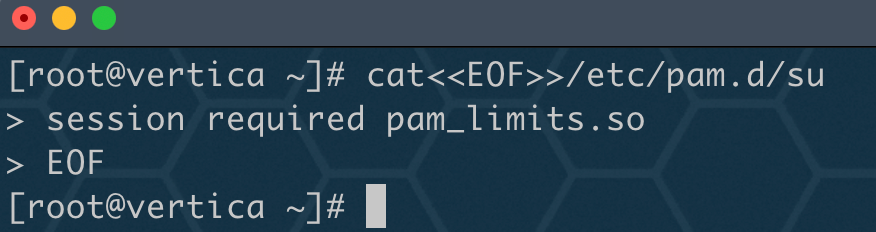
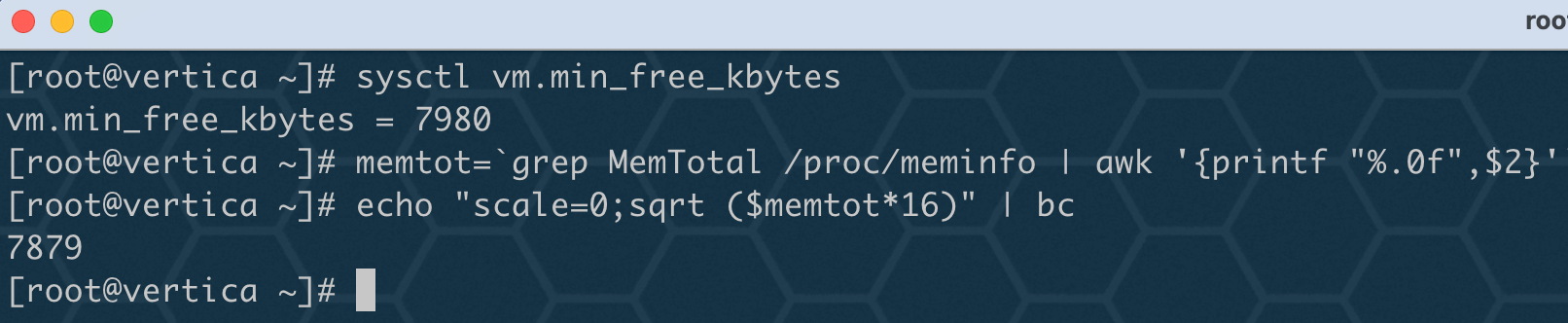
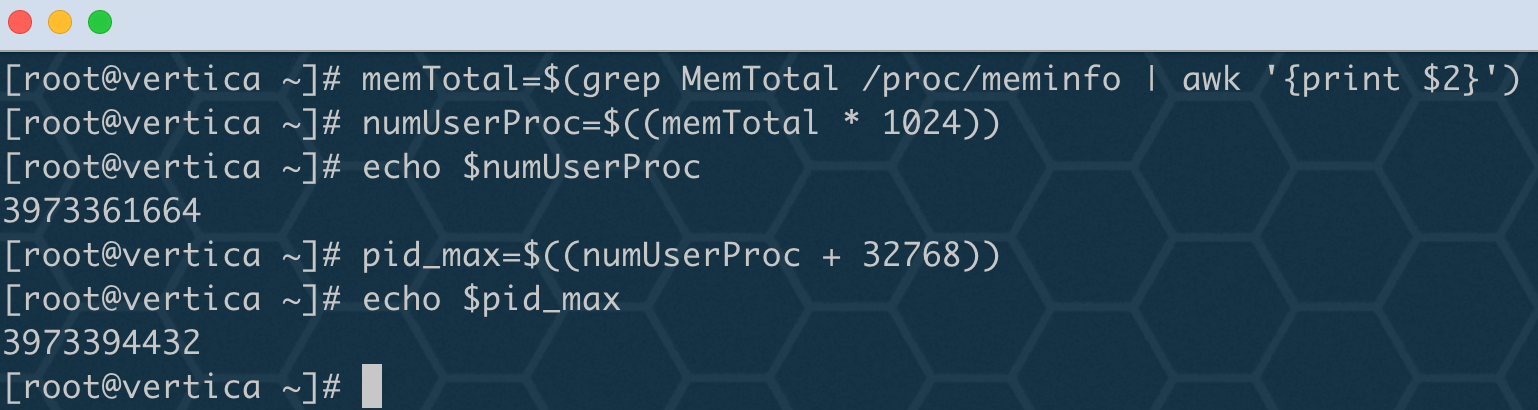
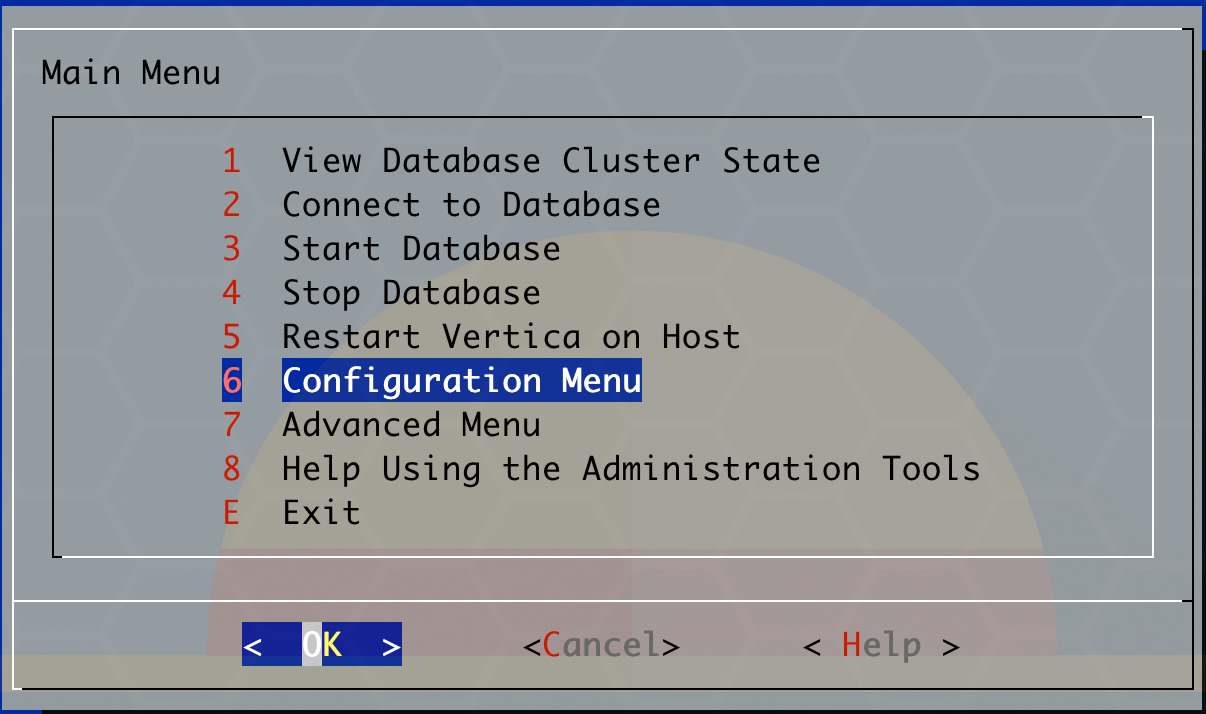
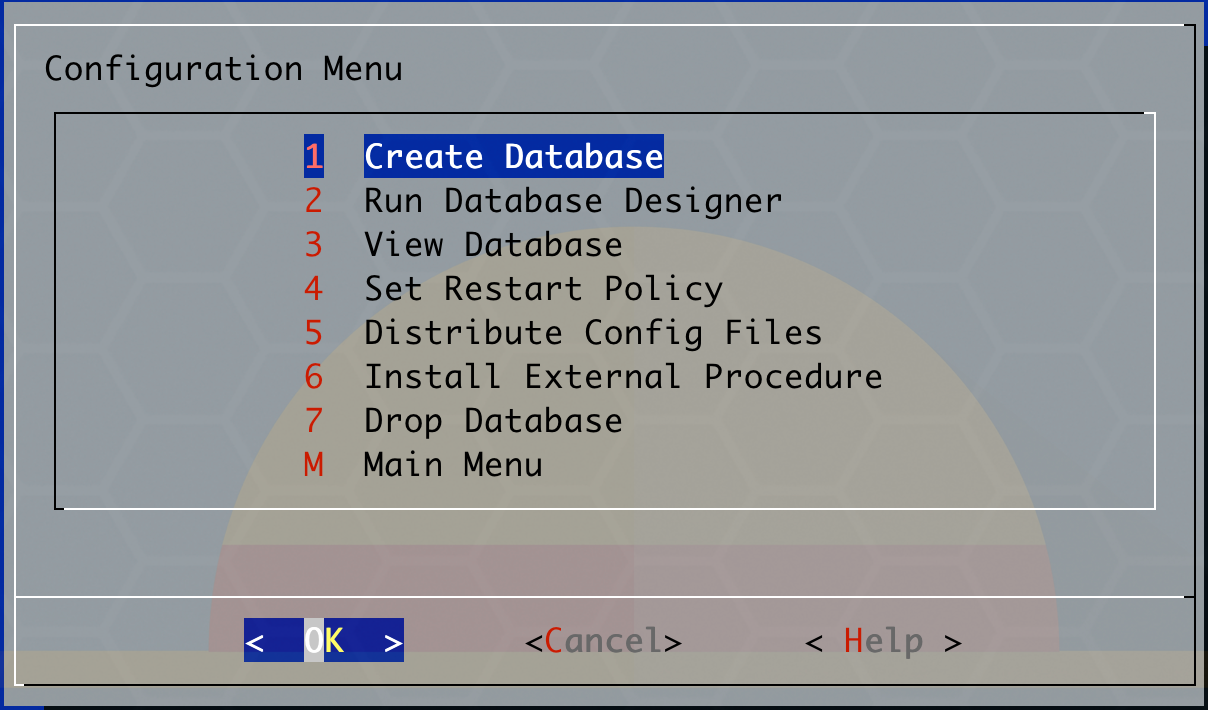
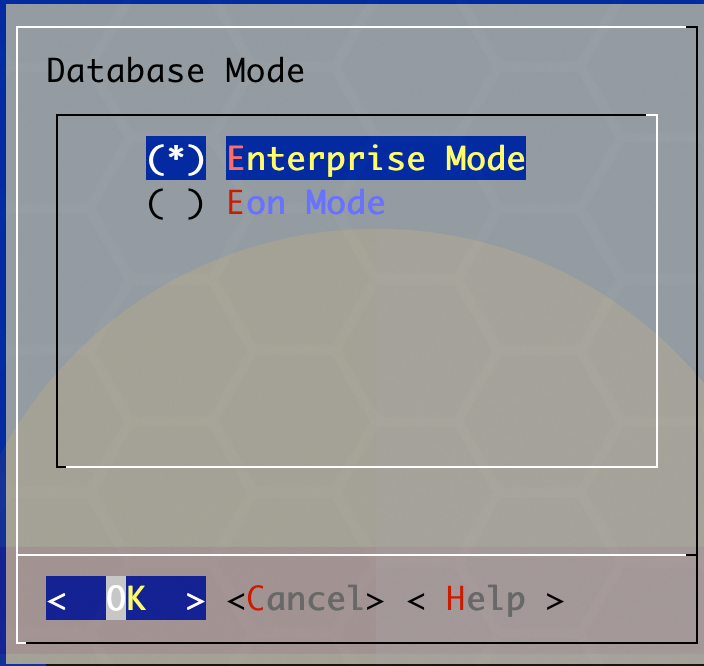
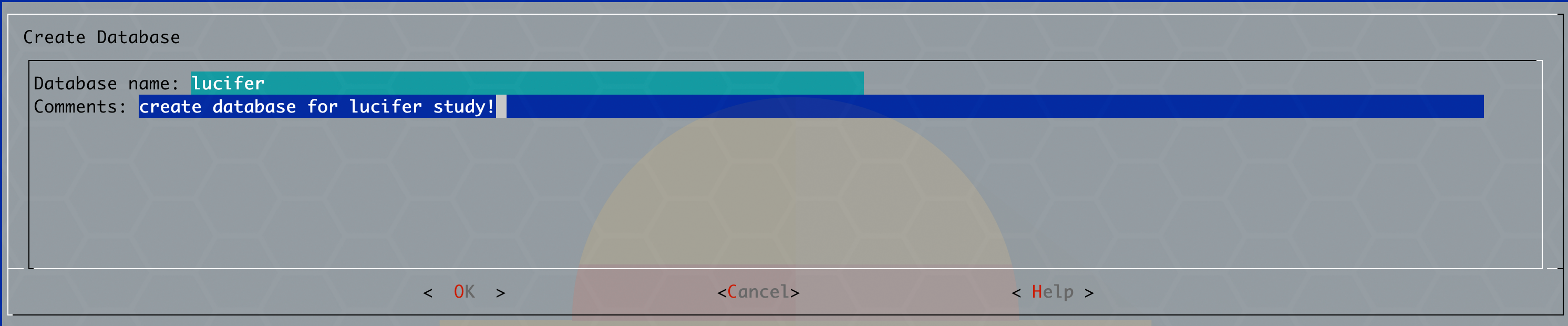
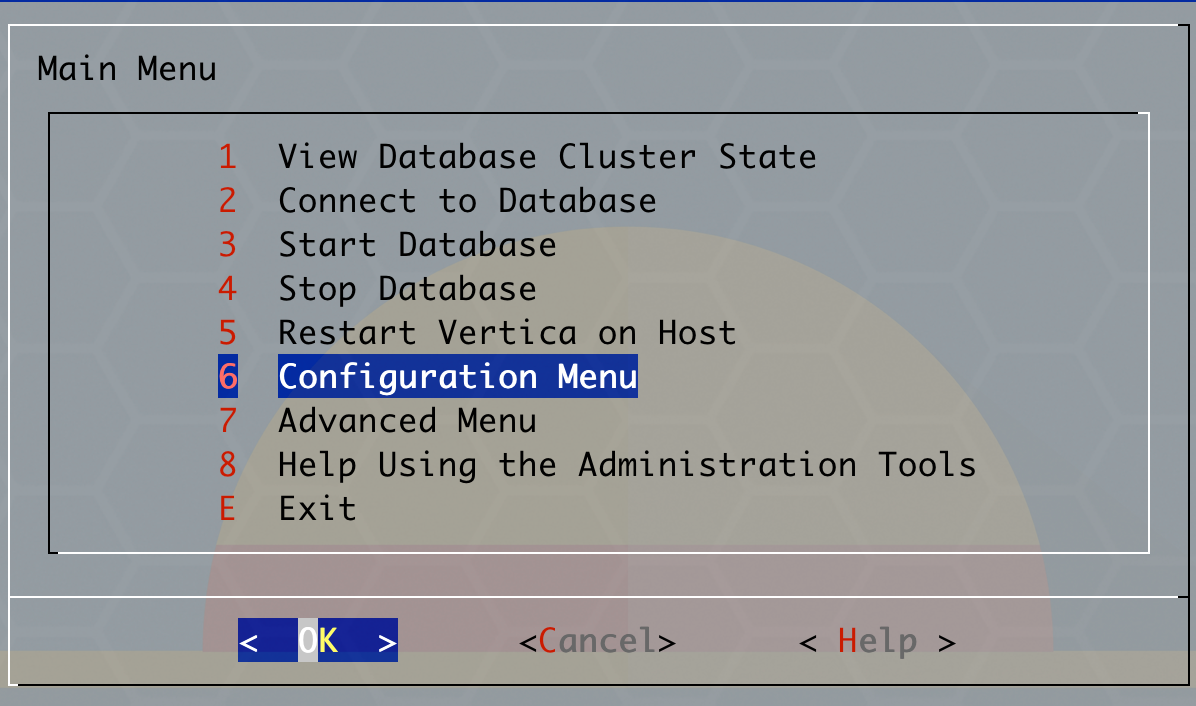
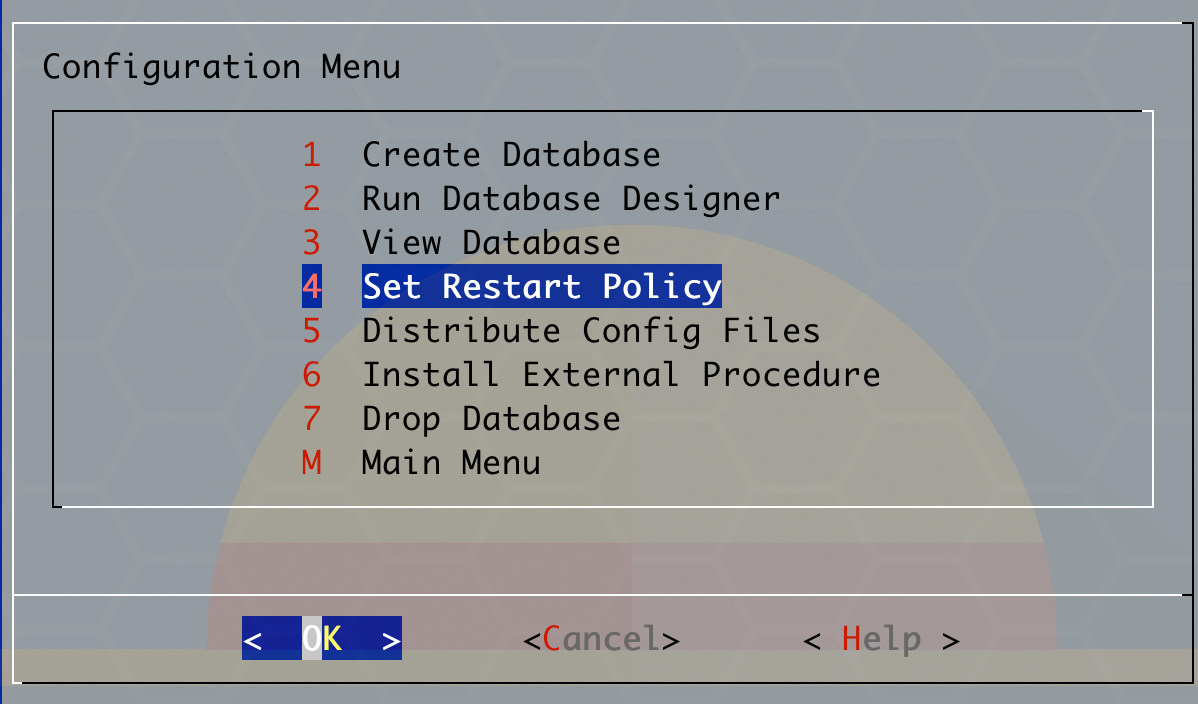
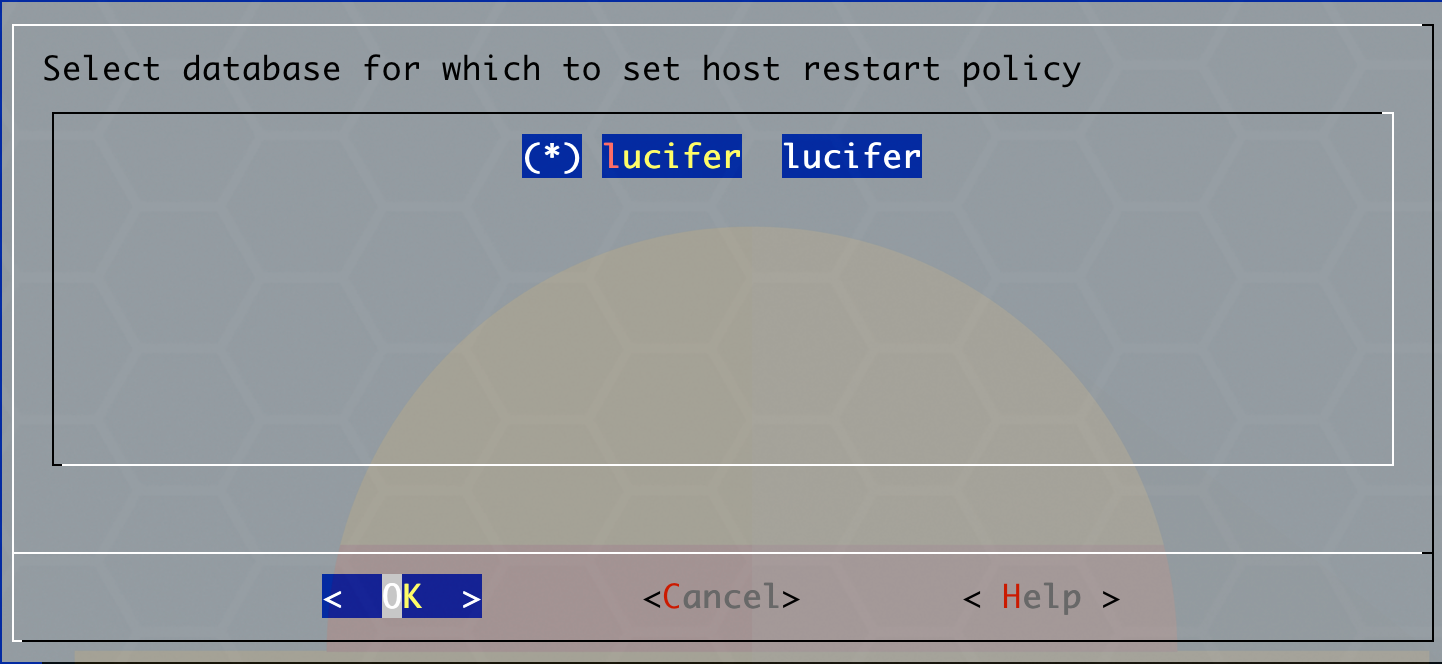
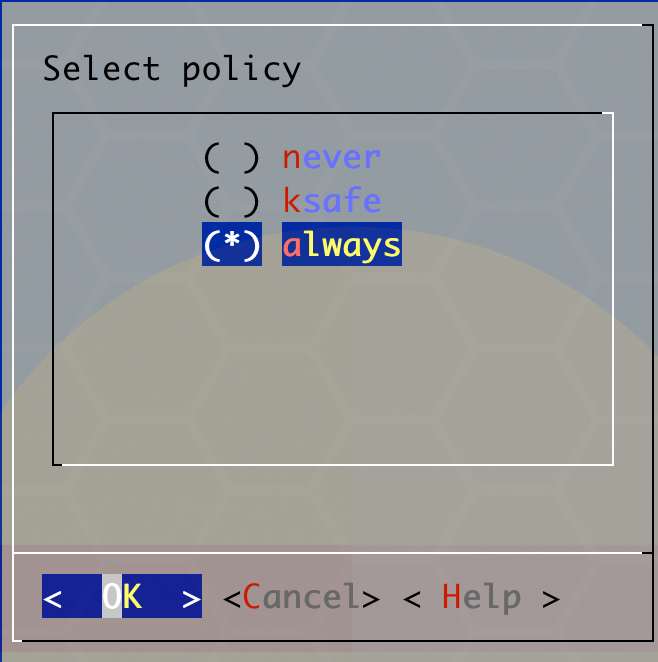
在所有 Red Hat/CentOS 系统上,您必须禁用碎片整理实用程序才能满足 Vertica 配置要求。
1 2 3 4 5 6 7 8
cat /sys/kernel/mm/transparent_hugepage/defrag echo never > /sys/kernel/mm/transparent_hugepage/defrag cat<<EOF>>/etc/rc.local if test -f /sys/kernel/mm/transparent_hugepage/enabled; then echo never > /sys/kernel/mm/transparent_hugepage/defrag fi EOF chmod +x /etc/rc.d/rc.local
# get the full detailed help install_vertica --help
optional arguments: -h, --help show this help message and exit --hosts HOST,HOST..., -s HOST,HOST... A comma-separated list of hosts to install or update --rpm FILE, -r FILE, --deb FILE The software package to install. Either an RPM or Debian package. --clean Forcibly remove all pre-existing cluster configuration, including database listings. (unsafe!) --broadcast, -U For control messaging, use broadcast UDP messages (default) --license FILE, -L FILE License file --accept-eula, -Y Accept the EULA quietly.
Modifying an existing cluster: These options allow you to add or remove nodes within an existing cluster. New nodes will not participate in any existing databases. See online documentation for more information.
--add-hosts HOST,HOST..., -A HOST,HOST... A comma-separated list of hosts to add to the cluster --remove-hosts HOST,HOST..., -R HOST,HOST... A comma-separated list of hosts to remove from the cluster
System users: Vertica runs as the database admin (DBA) user, a system user account. This is also the user which may run Administration Tools (adminTools). These options specify the system user and system group used for this purpose. The user and group will be created, if they do not exist.
--dba-user USER, -u USER The DBA system user name. (default: dbadmin) --dba-user-home DIR, -l DIR The DBA system user home. (default: /home/<DBA>) --dba-user-password PASSWORD, -p PASSWORD The DBA system user password. (default: prompt) --dba-user-password-disabled Disable the DBA system user password. --dba-group GROUP, -g GROUP The DBA system group name. (default: verticadba)
Miscellaneous options: --data-dir DIR, -d DIR The default data directory for new databases (default: <DBA home>) When defined, also restricts filesystem compatibility checks to the filesystem containing the data directory --tmp-dir DIR The temporary location used for various DBA actions. This is NOT the temporary data location for your database. (default: /tmp) --install-package-dependencies Use the high-level OS package manager (like yum/dnf) to automatically install vertica package dependencies. Only works with yum/dnf/apt.
Navigating the cluster: In order to complete the specified operations, this program requires access to each of the cluster hosts. Specify authentication credentials with these options. By default, you will be prompted for the password if required.
When the SUDO_USER environment variable is set, install_vertica attempts to ssh as that user. This is the case when invoked with `sudo`. Otherwise, install_vertica will ssh as root. The credentials provided with these options must match the ssh user.
--ssh-password PASSWORD, -P PASSWORD The password for ssh authentication in the cluster --ssh-identity FILE, -i FILE The ssh identify file for ssh authentication in the cluster --ssh-conn-timeout SSH_CONN_TIMEOUT, -t SSH_CONN_TIMEOUT SSH connection timeoutin secs( whole numbers only )
Networking options: Vertica uses the network for three purposes: data exchange, cluster control messaging, and client communication. By default, a single network and UDP broadcast (control messaging only) will be used. These options allow you to configure the defaults for new databases, but will not affect already-created databases. See the online documentation for more details.
--point-to-point, -T For control messaging, use direct UDP messages rather than UDP broadcast. Affects new databases only. --control-network BCAST_ADDR, -S BCAST_ADDR For control messaging, use a specific network. Specify via broadcast address, subnet, or 'default'. --spread-logging, -w Enable control message logging (spread logging). Affects new databases only. (not recommended) --large-cluster SPREAD_COUNT, -2 SPREAD_COUNT Maximum number of Control Nodes for new databases. Control Nodes run spread for database coordination. --ipv6, -6 Create an ipv6 cluster. --ipv4, -4 Create an ipv4 cluster. (default)
Silent installation: Installation options can be saved to or loaded from a configuration file in order to assist with automation and repeated installs.
--config-file FILE, -z FILE Read options from a configuration file --record-config FILE, -B FILE Write options to a configuration file and exit
System and cluster prerequisites: System and cluster prerequisites are checked by install_vertica. These options adjust if the prerequisites are checked and how the results are handled.
--failure-threshold {HINT,WARN,FAIL,HALT,NONE} Stop installation for any failures of this severity or worse (default: WARN) --no-system-configuration By default, simple system configurations that need to be adjusted to conform to the Vertica installation will be changed on your behalf. To prevent any system configuration changes, use this option. --ignore-aws-instance-type (AWS only) Not recommended. Ignore the instance type reported by AWS meta data.
基本安装:
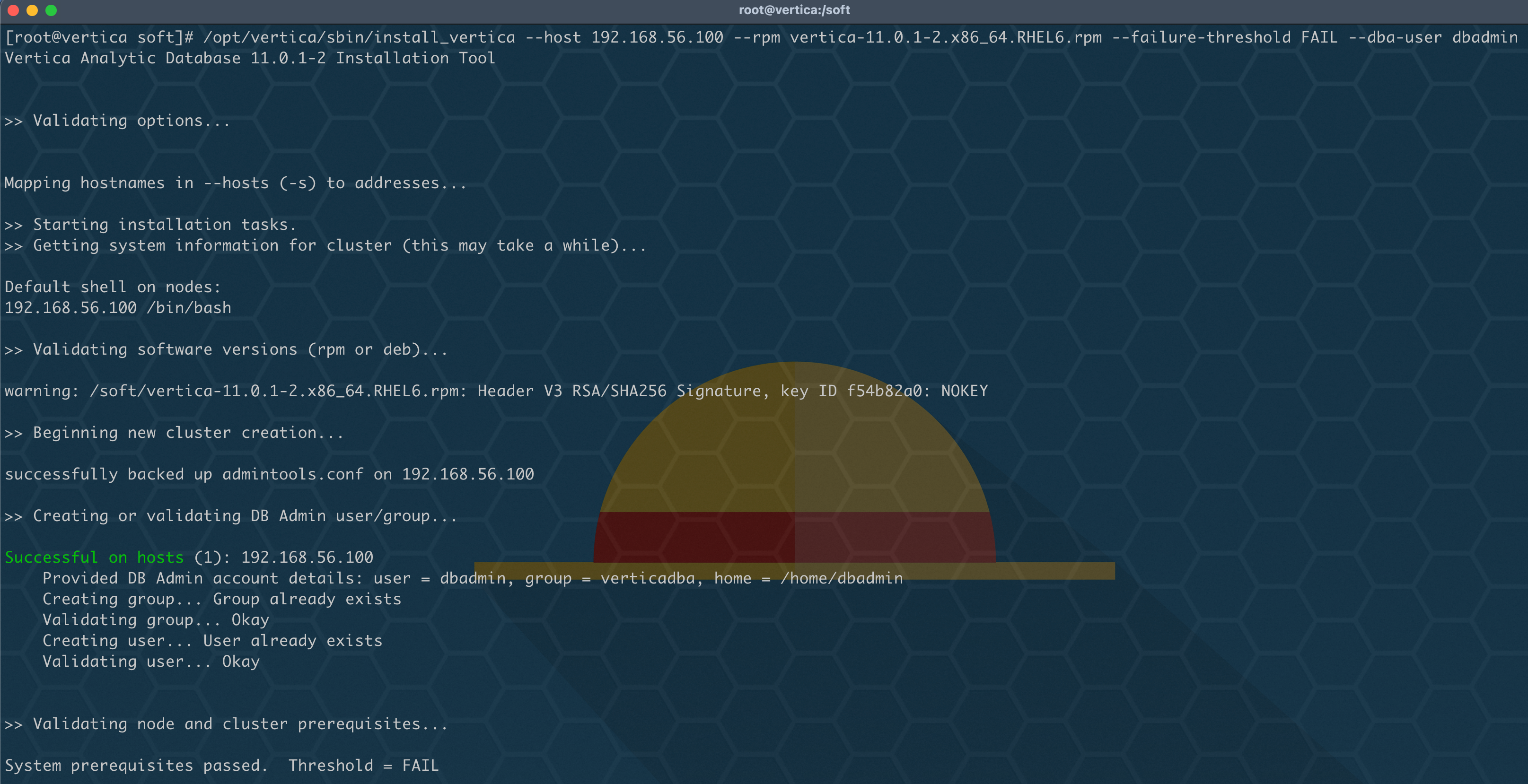
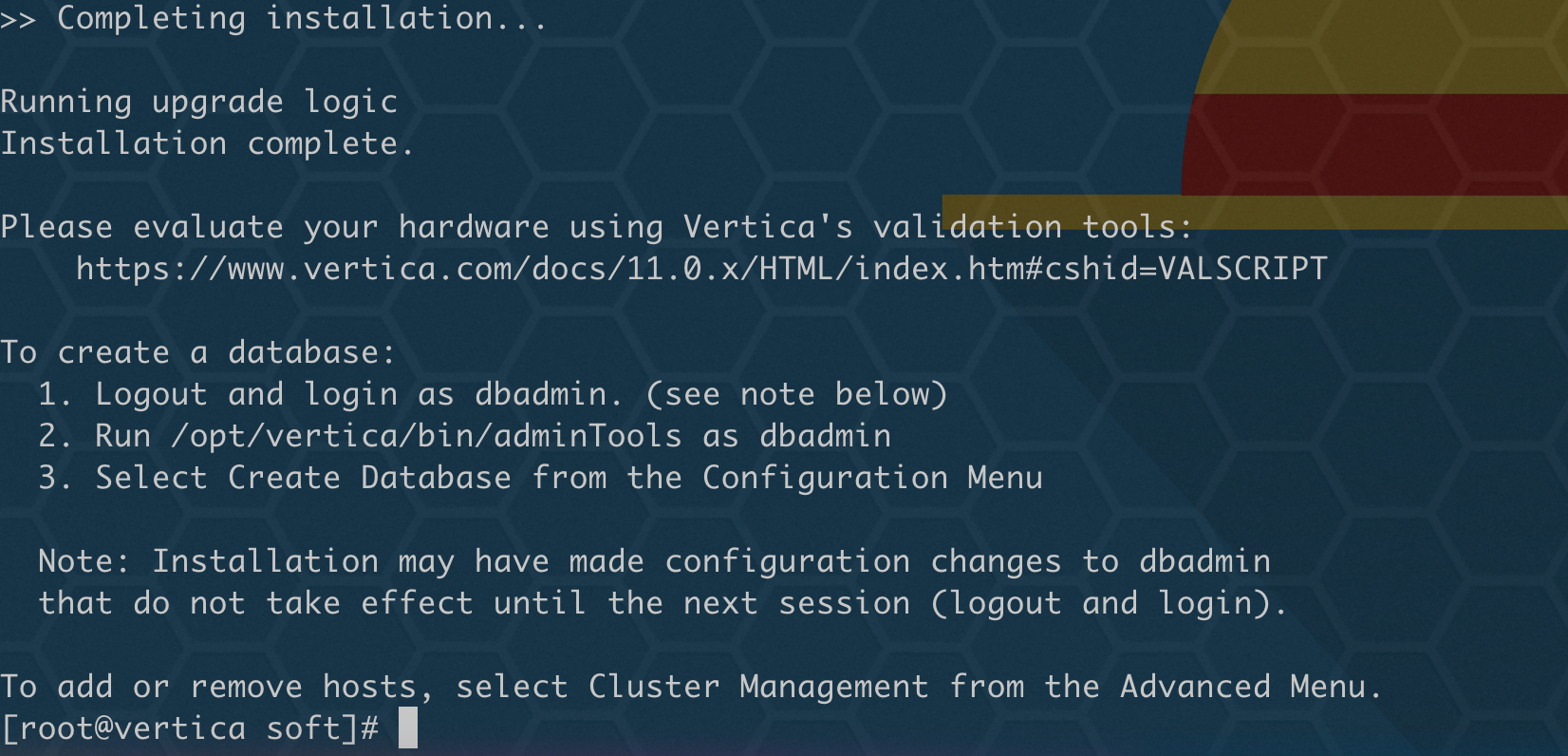
大致了解参数使用情况,开始正式安装,执行基本安装:
1
2
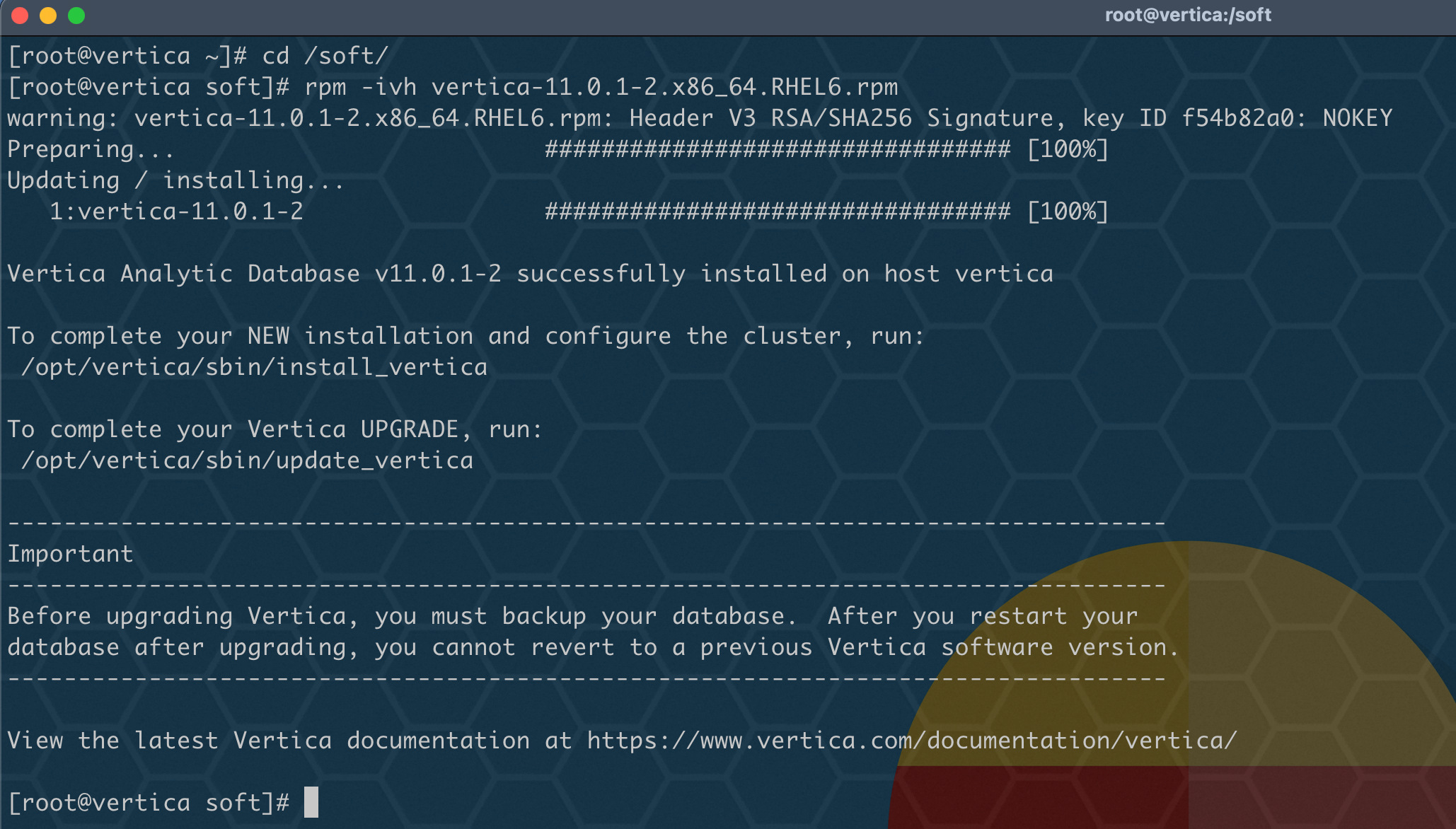
cd /soft
/opt/vertica/sbin/install_vertica --host 192.168.56.100 --rpm vertica-11.0.1-2.x86_64.RHEL6.rpm --dba-user dbadmin