sqlplus / as sysdba ## 设置归档路径 alter system set log_archive_dest_1='LOCATION=/archivelog'; ## 重启开启归档模式 shutdown immediate startup mount alter database archivelog; ## 打开数据库 alter database open;
创建测试数据:
1 2 3 4 5 6 7 8 9 10 11 12 13 14 15
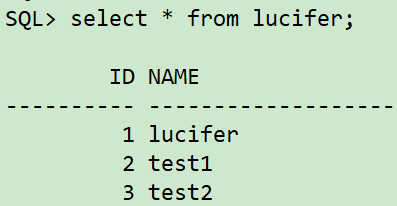
sqlplus / as sysdba ## 创建表空间 create tablespace lucifer datafile '/oradata/orcl/lucifer01.dbf' size 10M autoextend off; create tablespace ltest datafile '/oradata/orcl/ltest01.dbf' size 10M autoextend off; ## 创建用户 create user lucifer identified by lucifer; grant dba to lucifer; ## 创建表 conn lucifer/lucifer create table lucifer(id number not null,name varchar2(20)) tablespace lucifer; ## 插入数据 insert into lucifer values(1,'lucifer'); insert into lucifer values(2,'test1'); insert into lucifer values(3,'test2'); commit;
进行数据库全备:
1
2
3
4
5
6
7
8
9
10
11
12
13
14
15
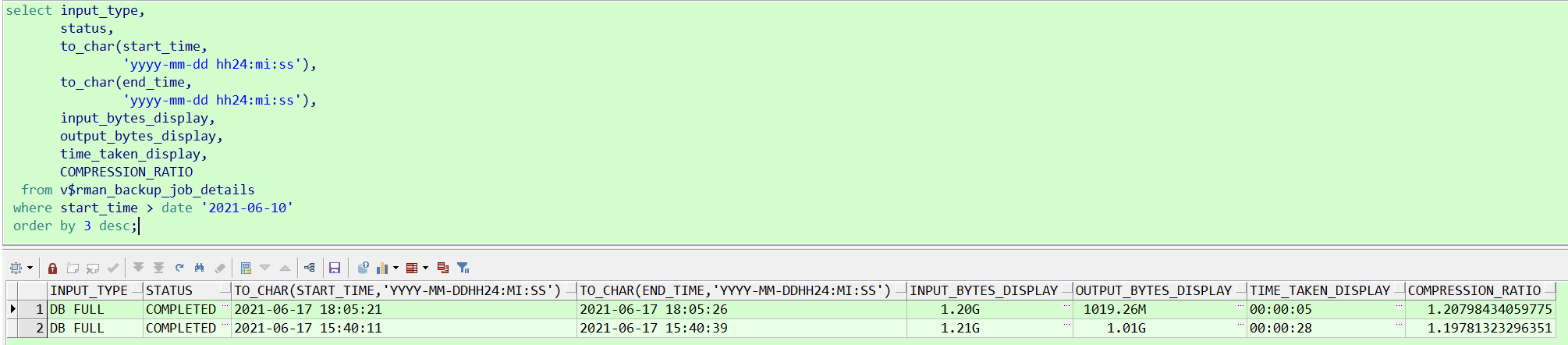
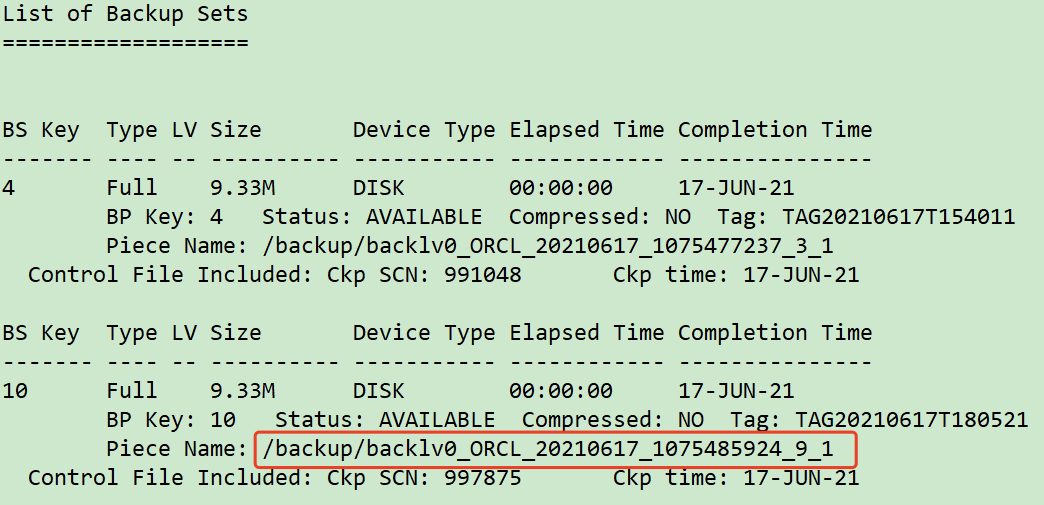
rman target / ## 进入 rman 后执行以下命令 run { allocate channel c1 device type disk; allocate channel c2 device type disk; crosscheck backup; crosscheck archivelog all; sql"alter system switch logfile"; delete noprompt expired backup; delete noprompt obsolete device type disk; backup database include current controlfile format '/backup/backlv0_%d_%T_%t_%s_%p'; backup archivelog all DELETE INPUT; release channel c1; release channel c2; }
模拟数据修改:
1 2 3 4 5
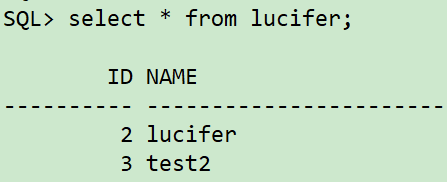
sqlplus / as sysdba conn lucifer/lucifer delete from lucifer whereid=1; update lucifer set name='lucifer'whereid=2; commit;
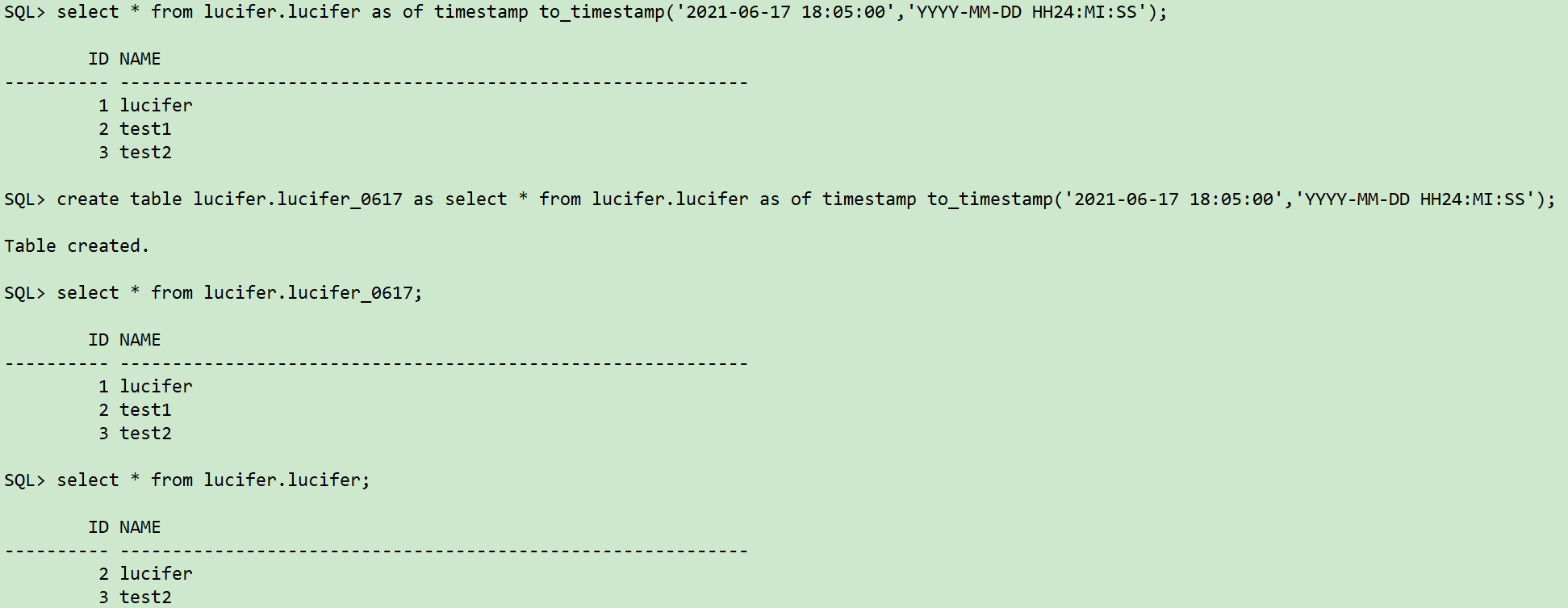
sqlplus / as sysdba ## 查找UNDO快照数据是否正确 select * from lucifer.lucifer as of timestamp to_timestamp('2021-06-17 18:05:00','YYYY-MM-DD HH24:MI:SS'); ## 将UNDO快照数据捞至新建表中 create table lucifer.lucifer_0617 as select * from lucifer.lucifer as of timestamp to_timestamp('2021-06-17 18:05:00','YYYY-MM-DD HH24:MI:SS');
四、RMAN完整恢复过程
主库查询误更新数据表对应的表空间和无需恢复的表空间:
1 2 3 4 5
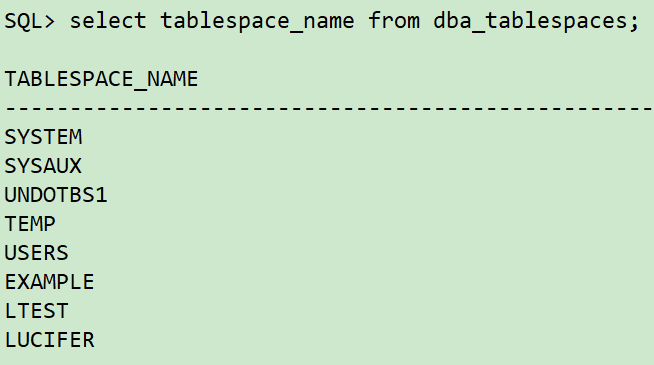
sqlplus / as sysdba ## 查询误更新数据表对应表空间 select owner,tablespace_name from dba_segments where segment_name='LUCIFER'; ## 查询所有表空间 select tablespace_name from dba_tablespaces;
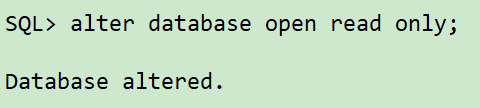
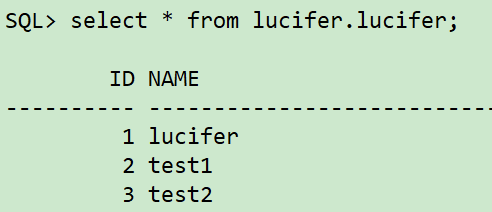
sqlplus / as sysdba ## 将恢复跳过的表空间都offline drop掉,执行以下查询结果 select'alter database datafile '|| file_id ||' offline drop;' from dba_data_files where tablespace_name in ('LTEST','EXAMPLE'); ## 再次开启数据库 alter database open read only;
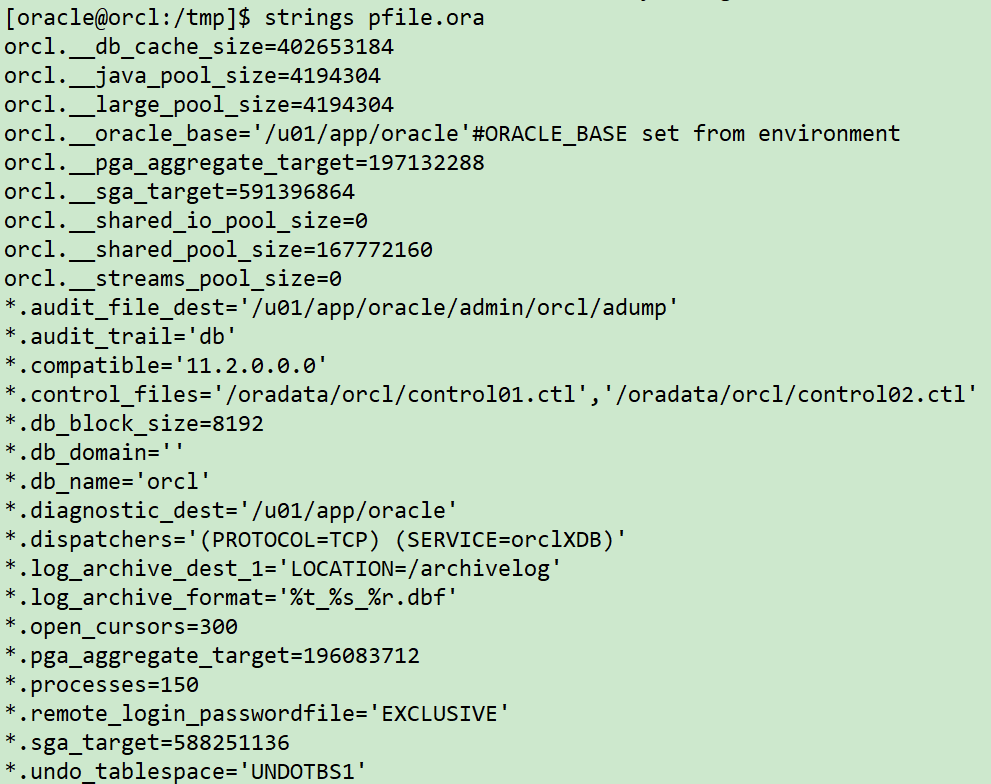
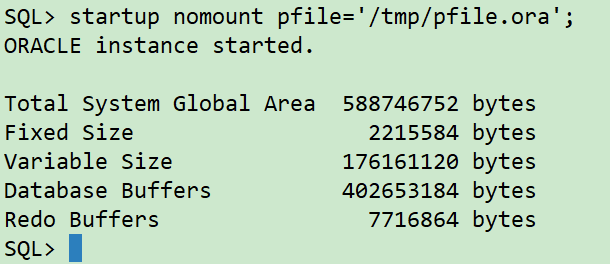
## 关闭数据库 sqlplus / as sysdba shutdown immediate; ## 开启数据库到mount状态 startup mount pfile='/tmp/pfile.ora'; ## 重复 第7步,往前推进1分钟,调整时间点为 `2021/06/08 18:07:00` rman target / run { sql 'alter session set nls_date_format="yyyy-mm-dd hh24:mi:ss"'; setuntiltime'2021-06-17 18:07:00'; allocate channel ch01 device type disk; recover database skip tablespace LTEST,EXAMPLE; release channel ch01; }
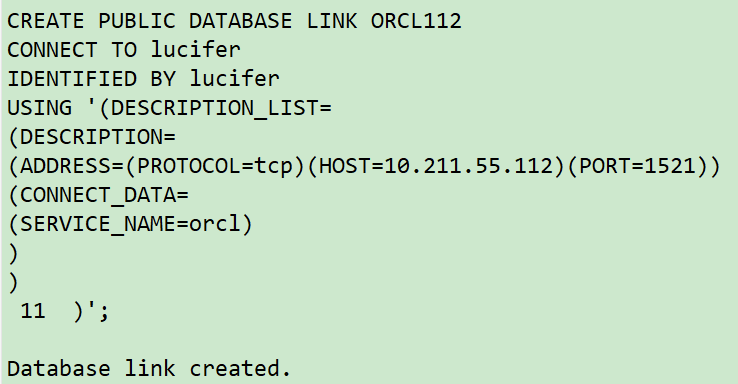
主库创建连通新主机实例的DBLINK,通过DBLINK从新主机实例捞取表数据:
1 2 3 4 5 6 7 8 9 10 11 12 13 14 15 16
sqlplus / as sysdba
## 创建dblinnk
CREATE PUBLIC DATABASE LINK ORCL112
CONNECT TO lucifer
IDENTIFIED BY lucifer
USING '(DESCRIPTION_LIST=
(DESCRIPTION=
(ADDRESS=(PROTOCOL=tcp)(HOST=10.211.55.112)(PORT=1521))
(CONNECT_DATA=
(SERVICE_NAME=orcl)
)
)
)';
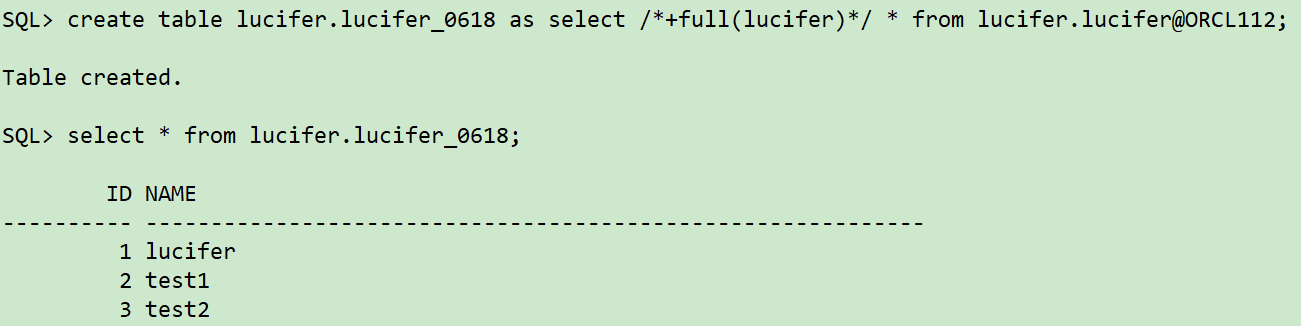
## 通过dblink捞取数据
create table lucifer.lucifer_0618 as select /*+full(lucifer)*/ * from lucifer.lucifer@ORCL112;
select * from lucifer.lucifer_0618;